1
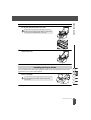
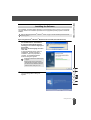
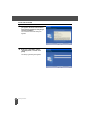
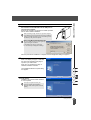
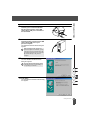
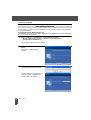
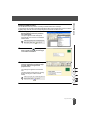
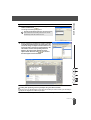
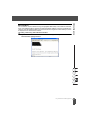
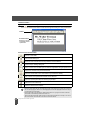
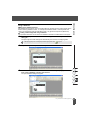
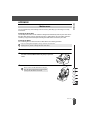
Enter your “User Name” and the
“Company Name”, and then click
[Next].
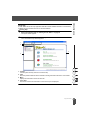
The Setup Type dialog box appears.
5
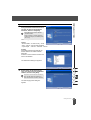
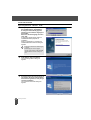
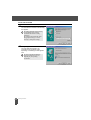
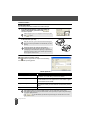
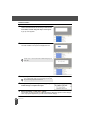
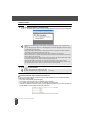
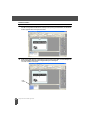
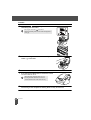
Select the type of setup you prefer.
Change the default destination folder if
you wish to place the program files
elsewhere, and then click [Next].
z INSTALLING SOFTWARE
4
• Click [Browse] to select an alternate
destination folder.
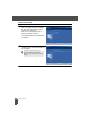
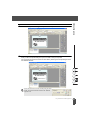
• Select “Custom” to install a particular
feature. For example, to install the printer
driver only.
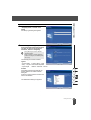
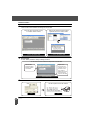
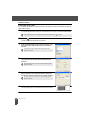
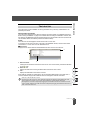
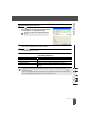
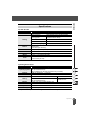
The following items will be installed.
Typical
• P-touch Editor • P-touch Library • Fonts
• Help • Clip Art • Auto Format Templates
• Layout styles • Add-Ins • Manuals • Drivers
Custom
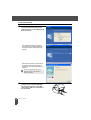
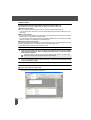
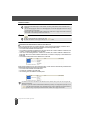
Click [Next] and select the features you
want to install on the Select Features
dialog box.
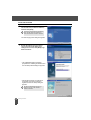
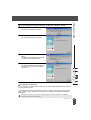
Check on to select and off to unselect the
items to be installed
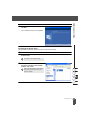
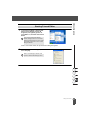
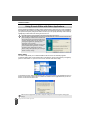
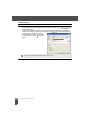
The Add Shortcut dialog box appears.
Installing the Software
17