1
User Manual Witbox
English
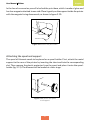
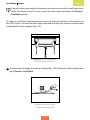
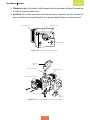
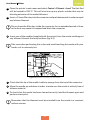
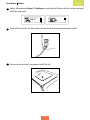
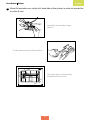
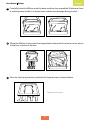
3 Remove the spool and metal spool-holder and place them in the box of accessories.
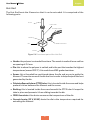
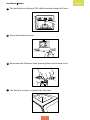
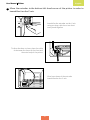
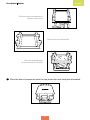
4 Detach the two side panels, the top panel and the print base and place them in the
box of accessories.
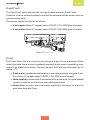
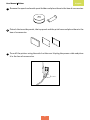
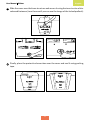
5 Turn off the printer using the switch at the rear. Unplug the power cable and place
it in the box of accessories.
65