1
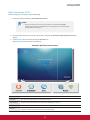
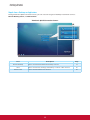
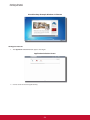
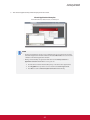
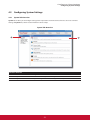
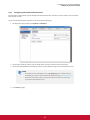
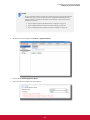
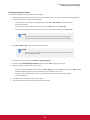
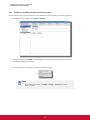
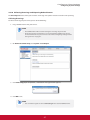
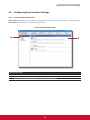
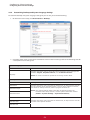
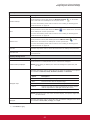
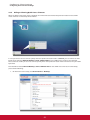
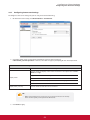
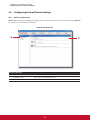
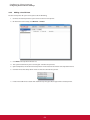
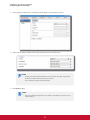
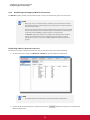
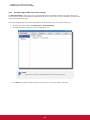
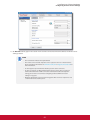
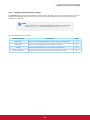
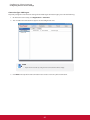
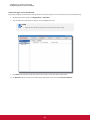
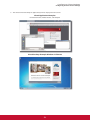
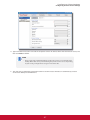
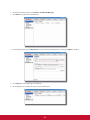
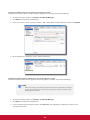
2. On the Client Setup console, click System > Certificate Manager.
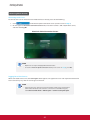
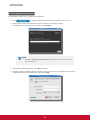
3. Click Add on the top of the Certificate list.
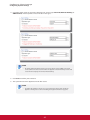
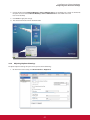
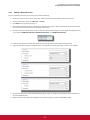
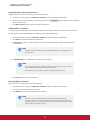
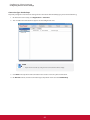
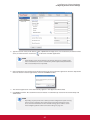
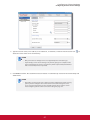
4. In the From File section, click Browser to locate the desired certificate file, and then click Open to confirm.
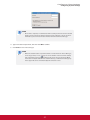
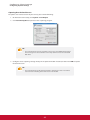
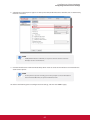
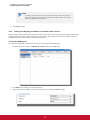
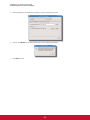
5. Click Import to start importing the certificate.
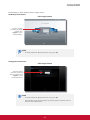
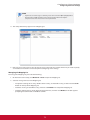
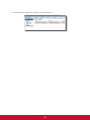
6. On completion, the certificate is shown in the Certificate list.