1
Getting Started
Learning the Basics
Accessing Citrix Services
Connecting to the Server
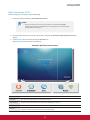
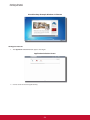
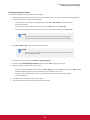
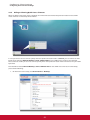
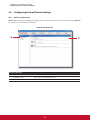
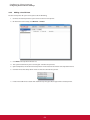
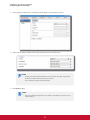
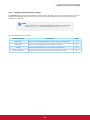
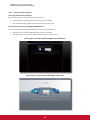
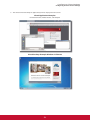
To connect to the server where the Citrix Web Interface is hosted, please do the following:
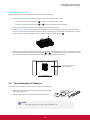
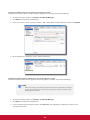
1. Click
on ViewSonic Quick Connection screen (see the screen in Step 4).
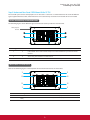
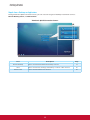
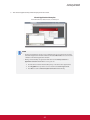
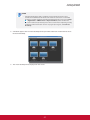
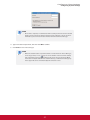
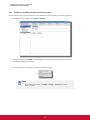
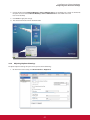
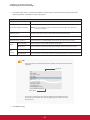
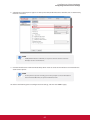
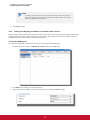
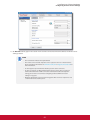
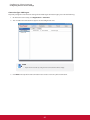
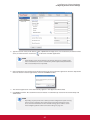
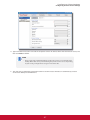
2. On the appeared ViewSonic Citrix Connection screen, enter the IP address / URL / FQDN of the server,
and then click Log On.
ViewSonic Citrix Connection Screen
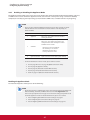
NOTE
t FQDN is the acronym of Fully Qualified Domain Name.
t To return to ViewSonic Quick Connection screen (see the screen in Step 4), press Esc.
Logging On to Citrix Services
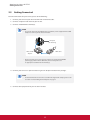
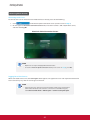
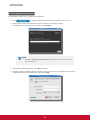
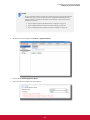
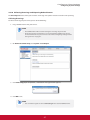
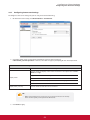
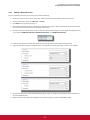
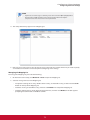
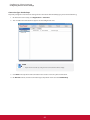
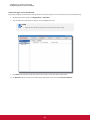
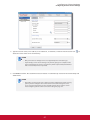
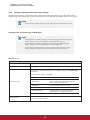
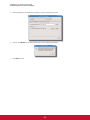
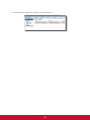
When connected to the server, the Citrix Logon screen appears. The appeared screen and required credentials for
Citrix services may vary with the service type and version.
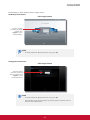
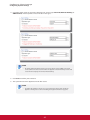
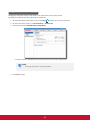
NOTE
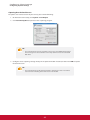
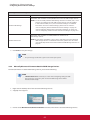
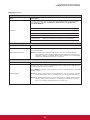
t A warning message “This Connection is Untrusted“ might appear. Consult the IT
administrator for details and ensure the connection is secure first. To bypass,
click I Understand the Risks > Add Exception > Confirm Security Exception.
20