1
&RQ¿JXULQJ&OLHQW6HWWLQJV
&RQ¿JXULQJ8VHU,QWHUIDFH6HWWLQJV
4.3.2
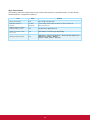
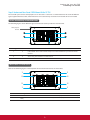
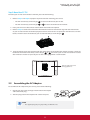
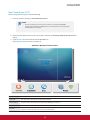
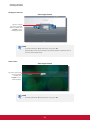
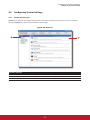
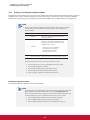
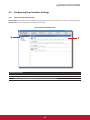
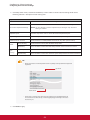
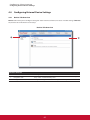
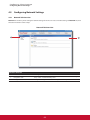
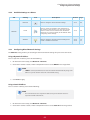
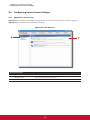
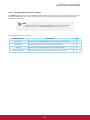
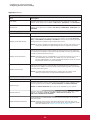
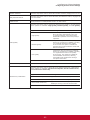
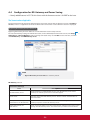
Available Settings at a Glance
Tab
Setting
Icon
Description
Section
Page
Display
&OLFNWRFRQ¿JXUHGLVSOD\VHWWLQJV
4.3.3
50
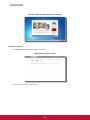
Desktop
Click to customize desktop and system language.
4.3.4
54
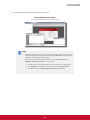
Click to adjust keyboard settings.
4.3.6
57
&OLFNWRFRQ¿JXUHVFUHHQVDYHUVHWWLQJV
4.3.7
59
User Interface
Keyboard
Screensaver
4.3.3
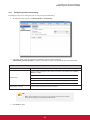
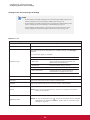
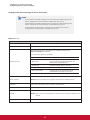
Configuring Display Settings
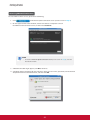
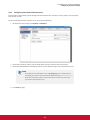
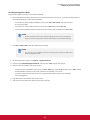
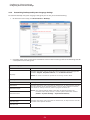
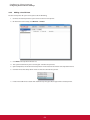
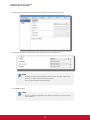
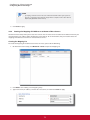
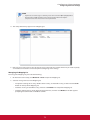
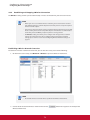
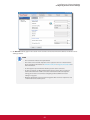
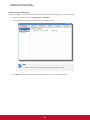
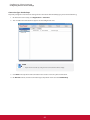
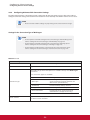
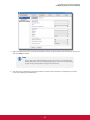
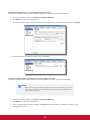
To configure display settings for your SC-T35, please do the following:
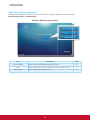
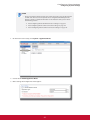
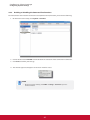
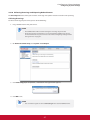
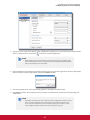
1. On ViewSonic Client Setup, click User Interface > Display.
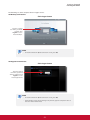
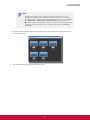
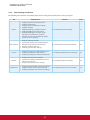
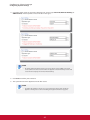
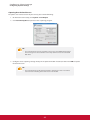
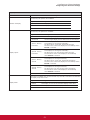
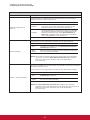
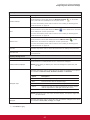
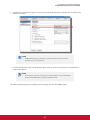
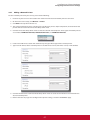
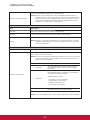
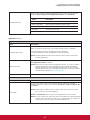
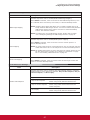
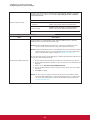
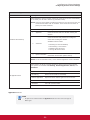
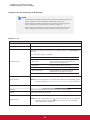
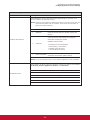
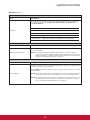
2. Click drop-down menus to select the number of attached display(s), arrangement of displays, display mode
for multiple displays, and resolution. Refer to the following table to select appropriate setting values.
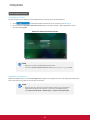
NOTE
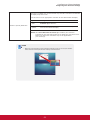
t The available setting items vary, depending on your model and the selected
number of display(s).
50