1
12 Networking
Teldat GmbH
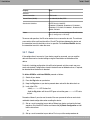
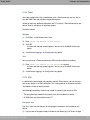
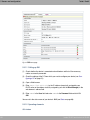
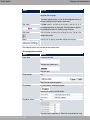
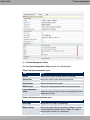
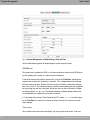
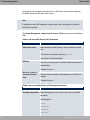
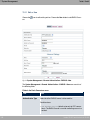
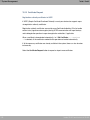
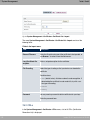
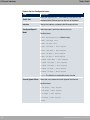
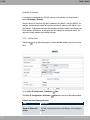
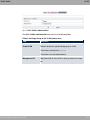
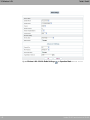
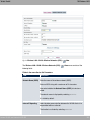
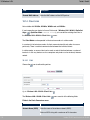
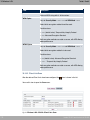
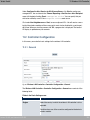
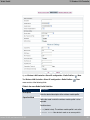
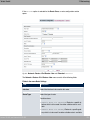
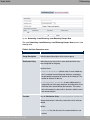
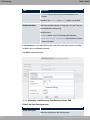
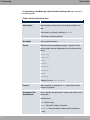
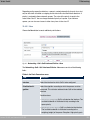
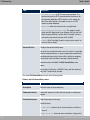
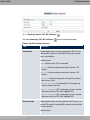
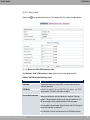
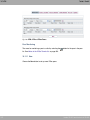
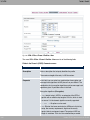
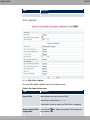
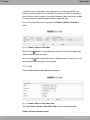
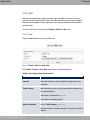
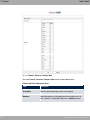
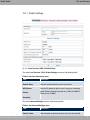
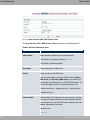
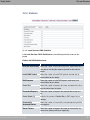
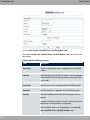
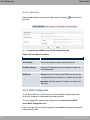
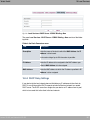
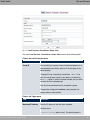
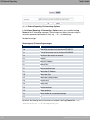
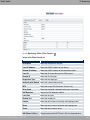
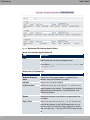
Fig. 109: Networking ->QoS->QoS Filter ->New
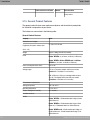
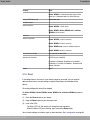
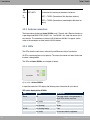
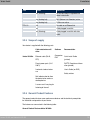
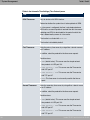
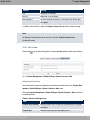
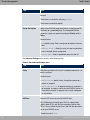
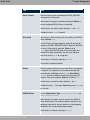
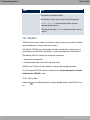
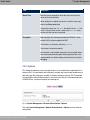
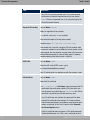
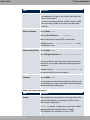
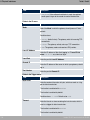
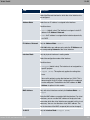
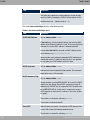
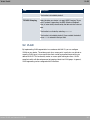
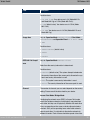
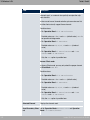
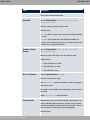
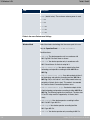
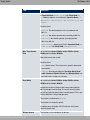
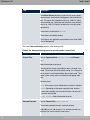
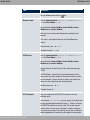
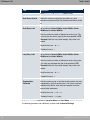
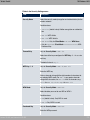
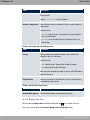
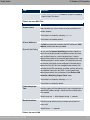
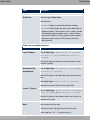
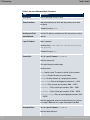
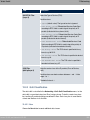
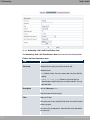
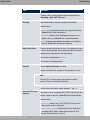
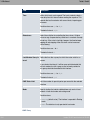
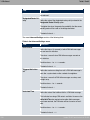
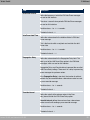
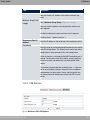
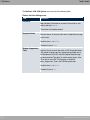
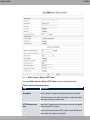
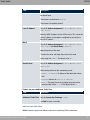
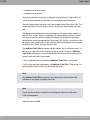
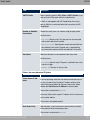
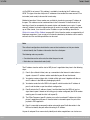
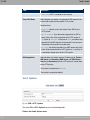
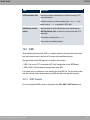
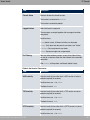
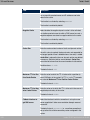
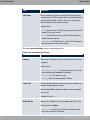
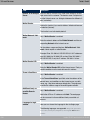
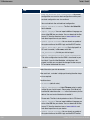
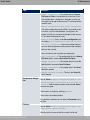
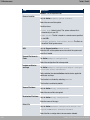
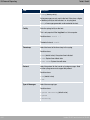
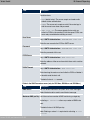
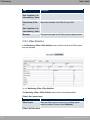
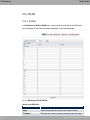
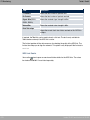
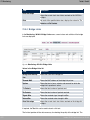
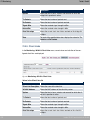
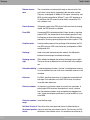
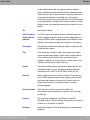
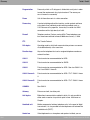
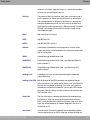
The Networking->QoS->QoS Filter->New menu consists of the following fields:
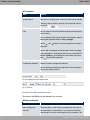
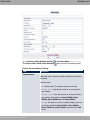
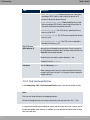
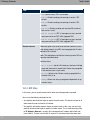
Fields in the Basic Parameters menu.
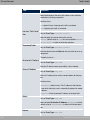
Field
Description
Description
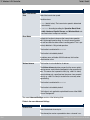
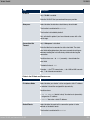
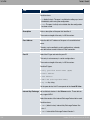
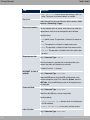
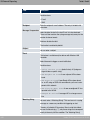
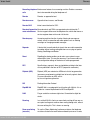
Enter the name of the filter.
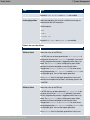
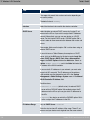
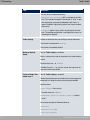
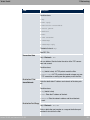
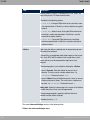
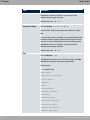
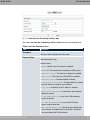
Service
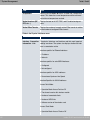
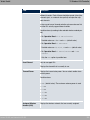
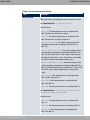
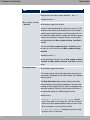
Select one of the preconfigured services. The extensive range
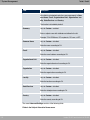
of services configured ex works includes the following:
• 0,
• %%
#F
• • • G
• ,
• %
• The default value is +
.
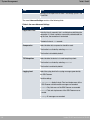
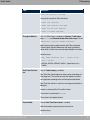
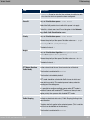
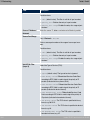
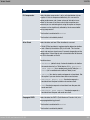
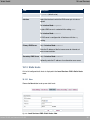
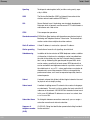
Protocol
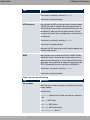
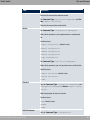
Select a protocol.
The ", option (default value) matches any protocol.
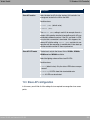
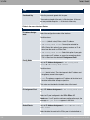
Type
bintec WLAN and Industrial WLAN
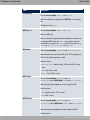
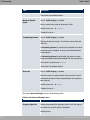
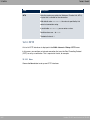
Only for Protocol = 6)=!
247