1
15 WAN
Teldat GmbH
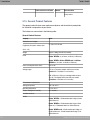
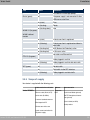
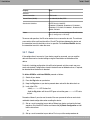
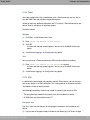
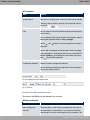
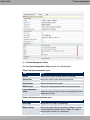
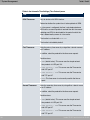
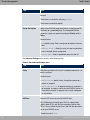
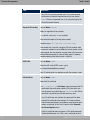
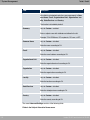
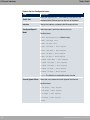
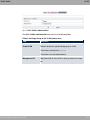
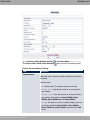
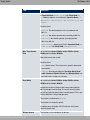
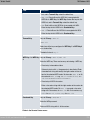
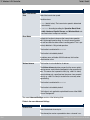
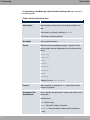
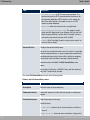
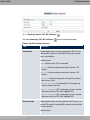
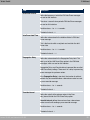
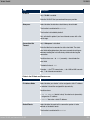
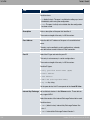
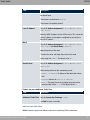
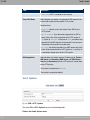
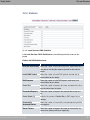
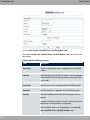
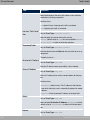
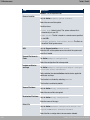
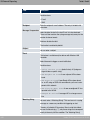
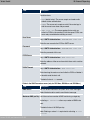
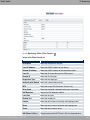
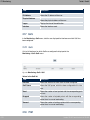
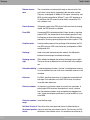
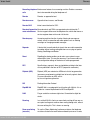
Field
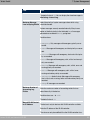
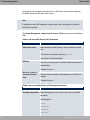
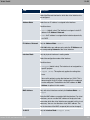
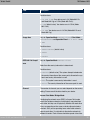
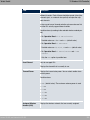
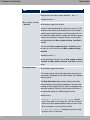
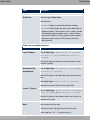
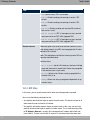
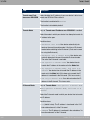
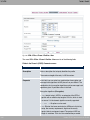
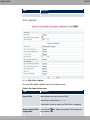
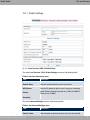
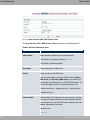
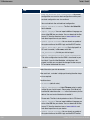
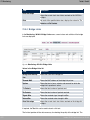
VLAN ID
Description
Only if VLAN is enabled.
Enter the VLAN-ID that you received from your provider.
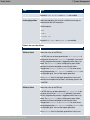
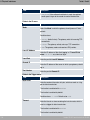
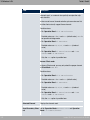
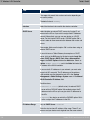
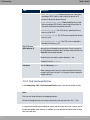
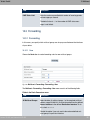
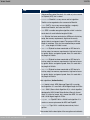
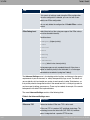
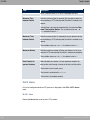
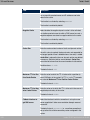
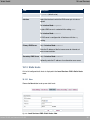
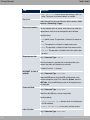
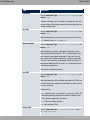
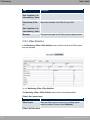
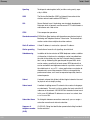
Always on
Select whether the interface should always be activated.
The function is enabled with .
The function is disabled by default.
Only activate this option if you have Internet access with a flatrate charge.
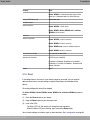
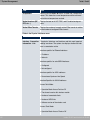
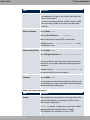
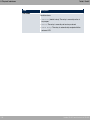
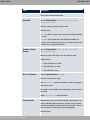
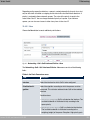
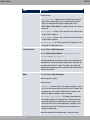
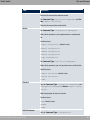
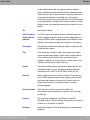
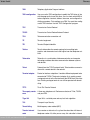
Connection Idle
Timeout
Only if Always on is disabled.
Enter the idle time in seconds for static short hold. The static
short hold setting determines how many seconds should pass
between sending the last traffic data packet and clearing the
connection.
Possible values are to ( (seconds). deactivates the
short hold.
The default value is (.
Example: for FTP transmission, for LAN-to-LAN transmission, for Internet connections.
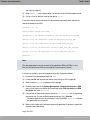
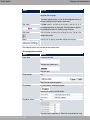
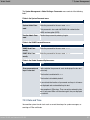
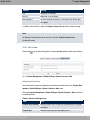
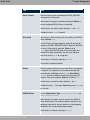
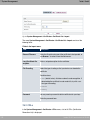
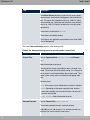
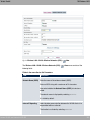
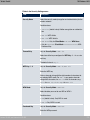
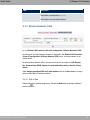
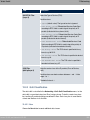
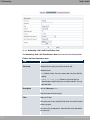
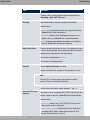
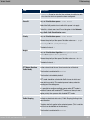
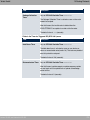
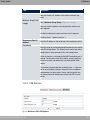
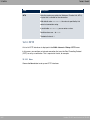
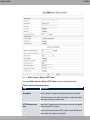
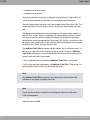
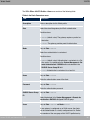
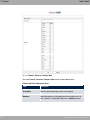
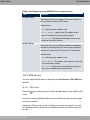
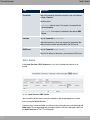
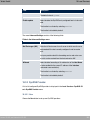
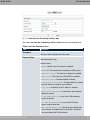
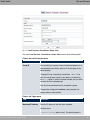
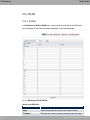
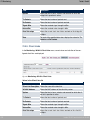
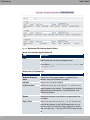
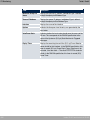
Fields in the IP Mode and Routes menu.
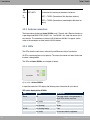
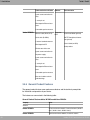
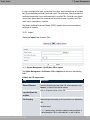
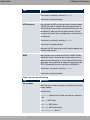
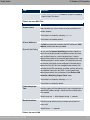
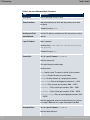
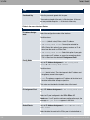
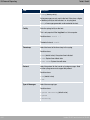
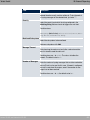
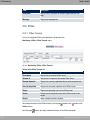
Field
Description
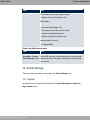
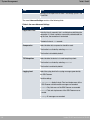
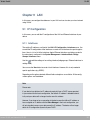
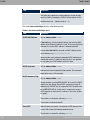
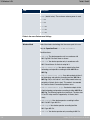
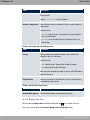
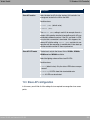
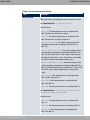
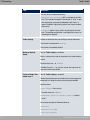
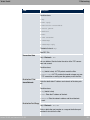
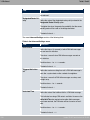
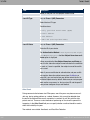
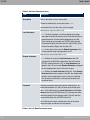
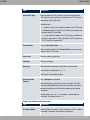
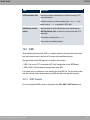
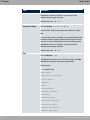
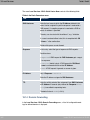
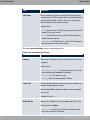
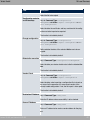
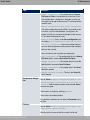
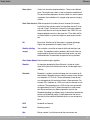
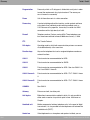
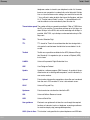
IP Address Mode
Select whether your device is to be assigned a static IP address
or whether it should be assigned this dynamically.
Possible values:
• 1
6! "
(default value): Your device is dynamically
assigned an IP address.
• : You enter a static IP address.
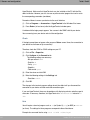
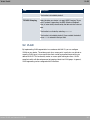
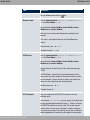
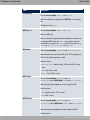
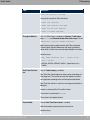
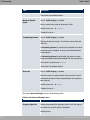
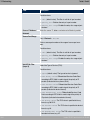
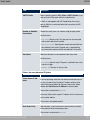
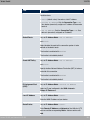
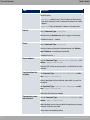
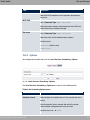
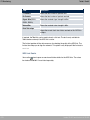
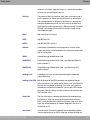
Default Route
Select whether the route to this connection partner is to be
defined as the default route.
The function is enabled with .
bintec WLAN and Industrial WLAN
299