1
18 Local Services
Teldat GmbH
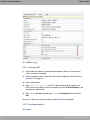
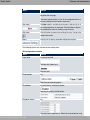
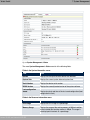
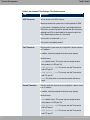
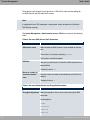
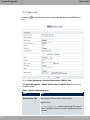
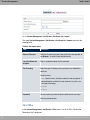
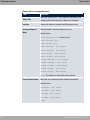
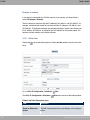
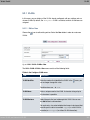
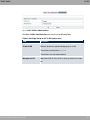
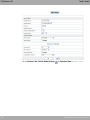
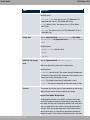
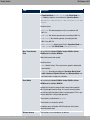
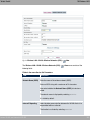
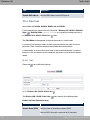
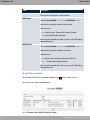
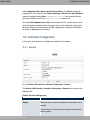
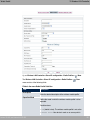
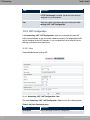
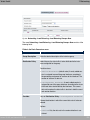
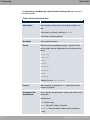
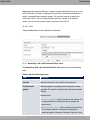
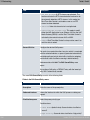
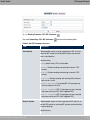
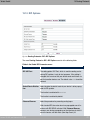
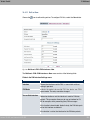
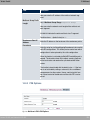
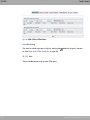
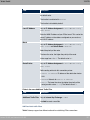
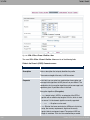
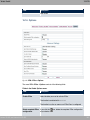
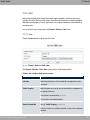
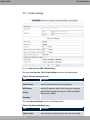
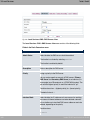
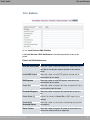
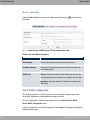
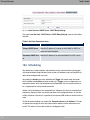
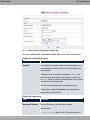
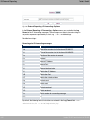
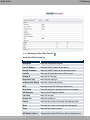
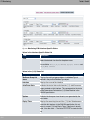
Fig. 185: Local Services->HotSpot Gateway ->HotSpot Gateway ->
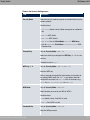
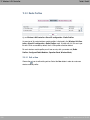
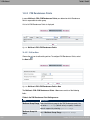
The Local Services->HotSpot Gateway->HotSpot Gateway->
menu consists of the fol-
lowing fields:
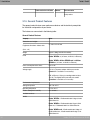
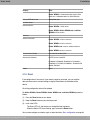
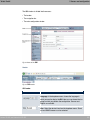
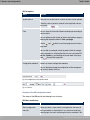
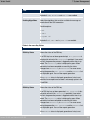
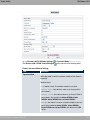
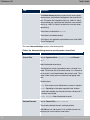
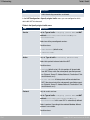
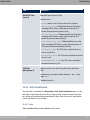
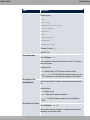
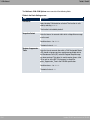
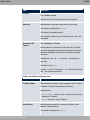
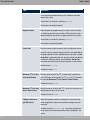
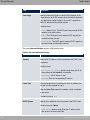
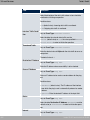
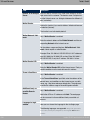
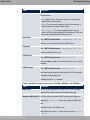
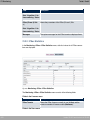
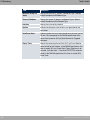
Fields in the menu Basic Parameters
Field
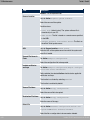
Interface
Description
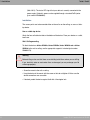
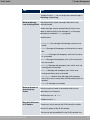
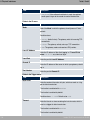
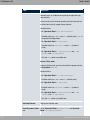
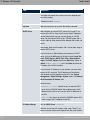
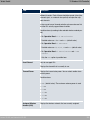
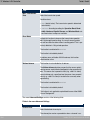
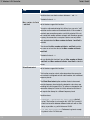
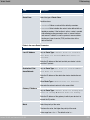
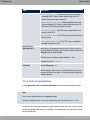
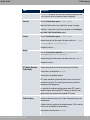
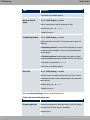
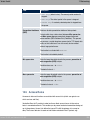
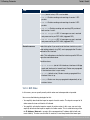
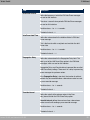
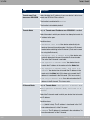
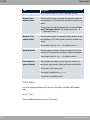
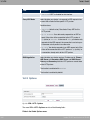
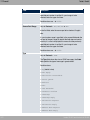
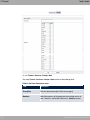
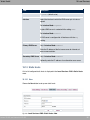
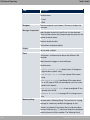
Choose the interface to which the Hotspot LAN or WLAN is connected. When operating over LAN, enter the Ethernet interface
here (e. g. en1-0). If operating over WLAN, the WLAN interface
to which the access point is connected must be selected.
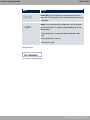
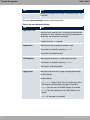
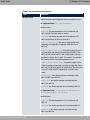
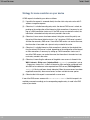
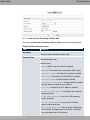
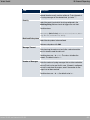
Caution
For security reasons you cannot configure your device over
an interface that is configured for the Hotspot. Therefore
take care when selecting the interface you want to use for
the Hotspot.
If you select the interface over which the current configuration session is running, the current connection will be lost.
You must then log in again over a reachable interface that
is not configured for the Hotspot to configure your device.
bintec WLAN and Industrial WLAN
429