1
127 | ENGLISH
10.9 Formatting a Partition
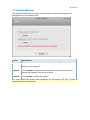
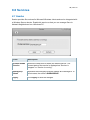
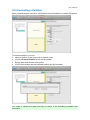
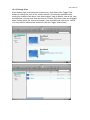
Newly created partition cannot be used before being formatted to a certain file system.
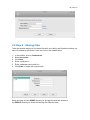
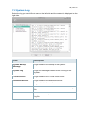
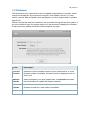
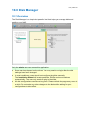
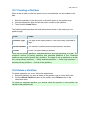
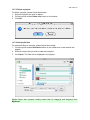
To format a partition, you can:
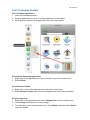
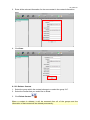
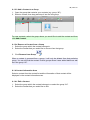
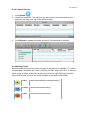
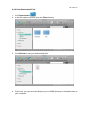
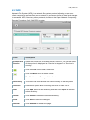
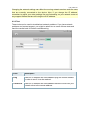
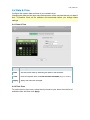
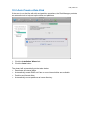
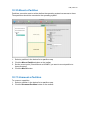
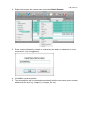
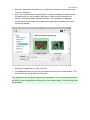
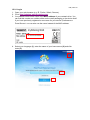
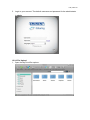
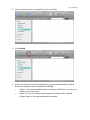
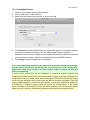
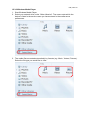
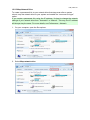
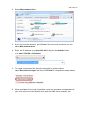
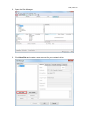
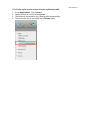
1. select a partition in the device list or partition map
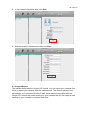
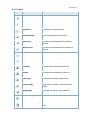
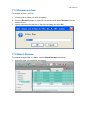
2. Click the Format Partition button on the toolbar.
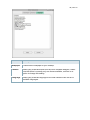
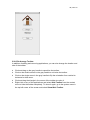
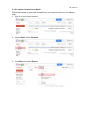
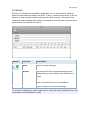
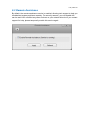
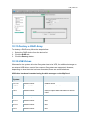
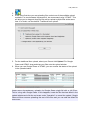
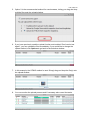
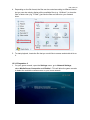
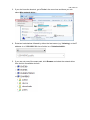
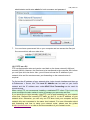
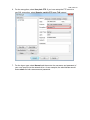
3. Set the label and choose a file system.
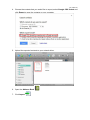
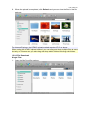
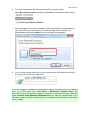
4. Click Format button and the selected partition will be formatted.
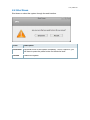
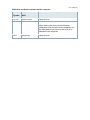
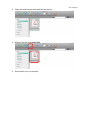
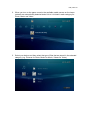
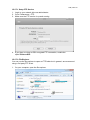
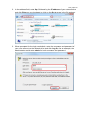
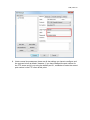
You need to refresh the page manually to check if the formatting operation was
successful.