1
32 | ENGLISH
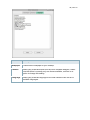
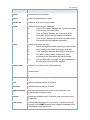
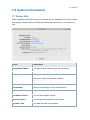
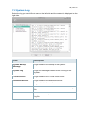
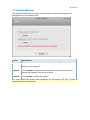
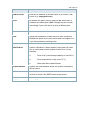
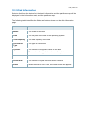
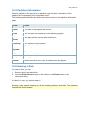
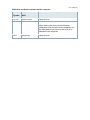
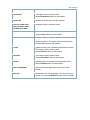
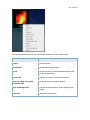
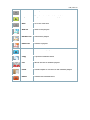
Field
Description
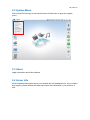
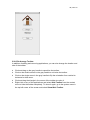
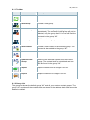
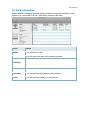
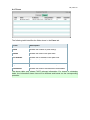
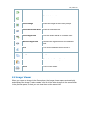
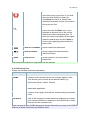
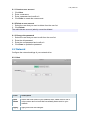
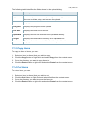
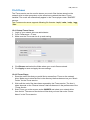
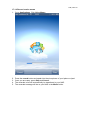
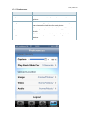
Shut Down
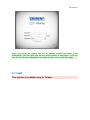
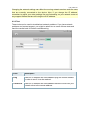
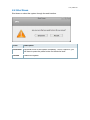
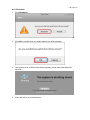
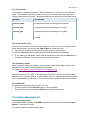
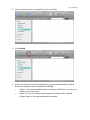
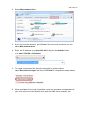
Click “Shut Down” and then choose:
Shut Down to completely turn off the system
Restart to reboot the system.
Logout
Logout the current user from the web interface.
Cancel
Abort and go back to the previous screen.
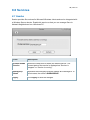
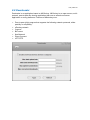
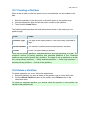
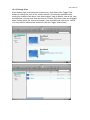
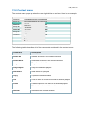
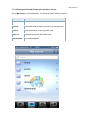
5.12 Shortcuts
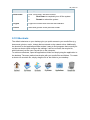
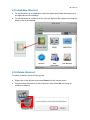
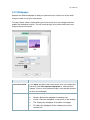
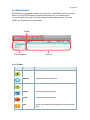
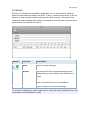
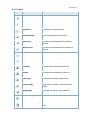
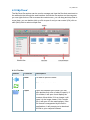
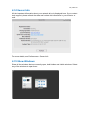
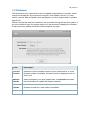
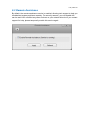
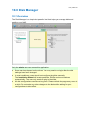
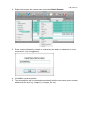
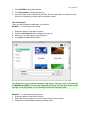
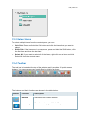
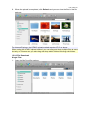
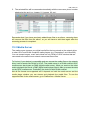
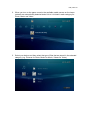
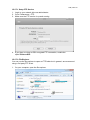
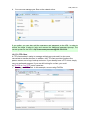
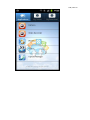
The default shortcuts on your desktop give you quick access to your media files (e.g.
documents, photos, music, videos) that are stored on the network drive. Additionally,
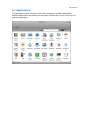
the shortcut for the applications folder makes it easy to find programs that currently do
not have a shortcut and configure the settings. Last but not least, the recycle bin,
which behaves just like your recycle bin on the computer.
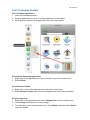
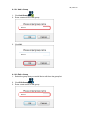
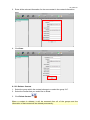
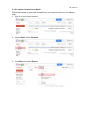
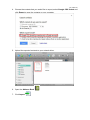
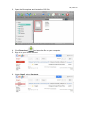
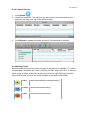
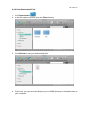
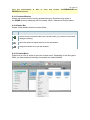
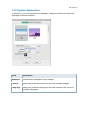
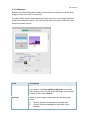
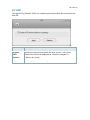
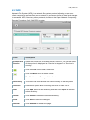
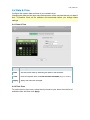
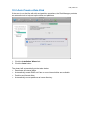
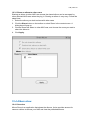
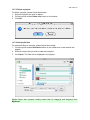
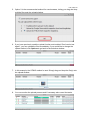
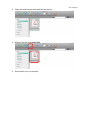
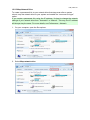
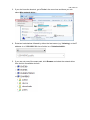
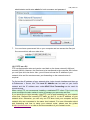
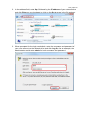
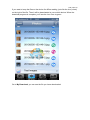
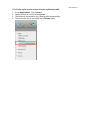
To add more shortcuts, open the applications folder and simply drag the application to
the desktop. The same method works also with your media files and folders. To create
a shortcut to a certain file, simply drag the file or the folder to your desktop.