1
59 | ENGLISH
6.4.3 Task List
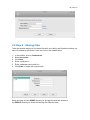
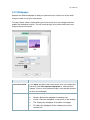
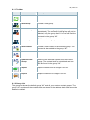
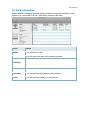
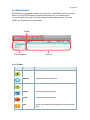
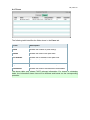
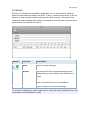
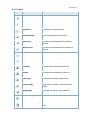
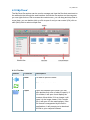
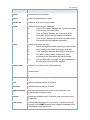
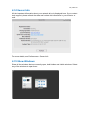
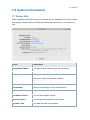
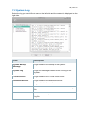
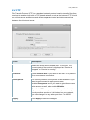
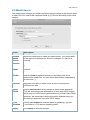
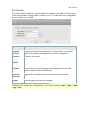
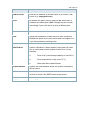
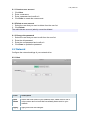
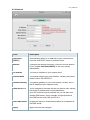
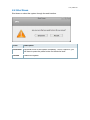
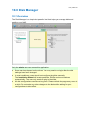
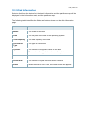
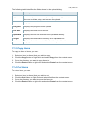
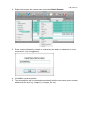
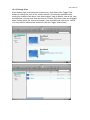
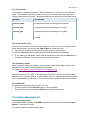
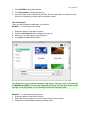
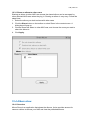
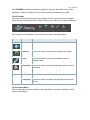
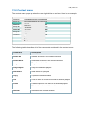
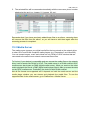
On the right hand side in the downloader window, the task list displays the basic
information and status about each task.
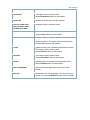
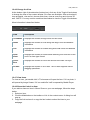
Field
Description
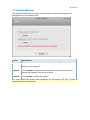
Status
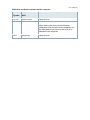
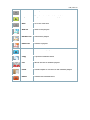
Identifies the current status of the download showing either
(Downloading) or
(Paused)
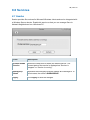
Network
Identifies the current network connection.
File
Shows the file name.
Size
Shows the total file size.
Progress
Shows the current progress of the download. Click Refresh to
update the progress.
Downloaded
Shows the amount that has already been downloaded.
Comments
Shows the comments for the file download.
Sources
Shows the total number of sources for the download.
Active
Shows the number of active sources for the download.
Avail
Shows the number of available sources for the download.
Age
Shows the total time that the download has remained in the
task list.
Last
Shows the downloading time that the task has lasted.
Rate
Shows the current download rate of the file.
ETA
Shows the estimated amount of time remaining until the file is
downloaded.
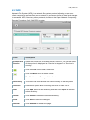
Priority
Click the drop-down menu to select a priority for each task from
the list of available priorities.