1
Chapter 4: Management with WebPAM PROe
See “Migrating a Logical Drive’s RAID Level” on page 169 and “RAID Level
Migration” on page 347.
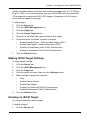
Making Migration Settings
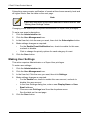
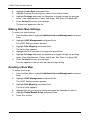
To make migration settings:
1.
Click the Administration tab.
2.
Click the Background Activities icon.
The list of background activities appears.
3.
4.
5.
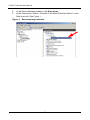
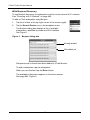
Click the Settings button.
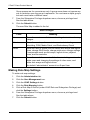
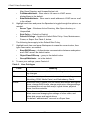
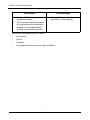
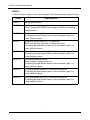
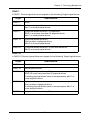
Click the Migration Rate dropdown menu and choose a rate:
•
Low – Fewer system resources to Migration, more to data read/write
operations.
•
Medium – Balances system resources between Migration and data
read/write operations.
•
High – More system resources to Migration, fewer to data read/write
operations.
Click the Confirm button.
PDM
Predictive Data Migration (PDM) is the migration of data from the suspect
physical drive to a spare drive, similar to rebuilding a logical drive. But unlike
Rebuilding, PDM constantly monitors your physical drives and automatically
copies your data to a spare drive before the physical drive fails and your logical
drive goes Critical.
See “Running PDM on a Disk Array” on page 159 and “PDM” on page 331.
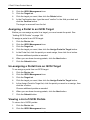
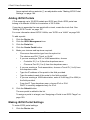
Making PDM Settings
To make PDM settings:
1.
2.
Click the Administration tab.
Click the Background Activities icon.
The list of background activities appears.
3.
Click the Settings button.
4.
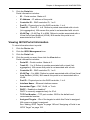
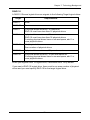
Make the following settings are required:
•
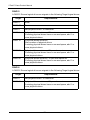
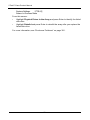
Click the PDM Rate dropdown menu and choose a rate:
•
Low – Fewer system resources to PDM, more to data read/write
operations.
•
Medium – Balances system resources between PDM and data
read/write operations.
121