1
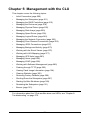
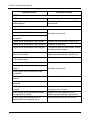
Chapter 5: Management with the CLU
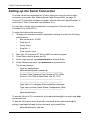
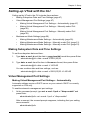
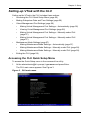
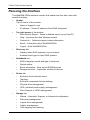
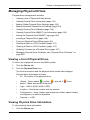
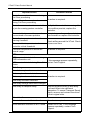
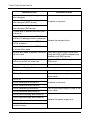
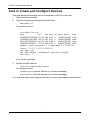
Quick Setup – A sequence of four steps to setup system date and time,
Management port, and RAID configuration. See “Setting-up VTrak with the CLU”
on page 55.
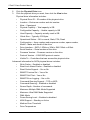
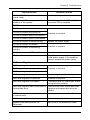
Subsystem Management – Subsystem settings, Controller settings, statistics,
lock/unlock the subsystem, set date and time, Enclosure settings, FRUs and
Topology.
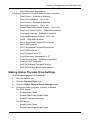
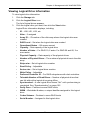
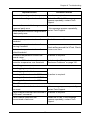
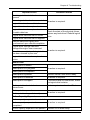
Physical Drive Management – Assign an alias, force a physical drive offline or
online, clear a Stale or PFD condition, change global physical drive settings, and
locate a physical drive.
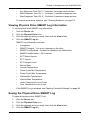
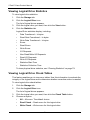
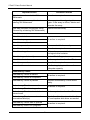
Disk Array Management – Assign an alias, view array information, create and
delete disk arrays, transport, rebuild, PDM, and transition functions, accept and
incomplete array, locate a disk array, create, and delete logical drives.
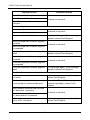
Spare Drive Management – View a list of spare drives, create, modify, and
delete spare drives, and run Spare Check.
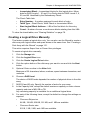
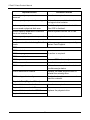
Logical Drive Management – Assign an alias, set cache policies, view logical
drive information, run initialization and Redundancy Check, create a LUN clone,
and locate a logical drive.
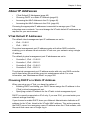
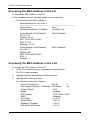
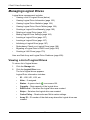
Network Management – Set IP addresses for Virtual and Maintenance Mode
Ports, gateway, and DNS server; subnet mask.
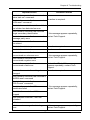
Fibre Channel Management – Node information, Port information, settings,
SFPs, and statistics, Logged-in devices, add intiator to the list.
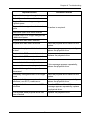
iSCSI Management – Targets, Ports, Portals, Sessions, iSNS options, CHAPs,
Ping, Trunks, Logged-in devices, add intiator to the list.
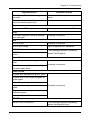
Background Activities – Summary of running and scheduled activity, settings
for Media Patrol, Auto Rebuild, Rebuild, Migration, PDM, Transition,
Synchronization, Initialization, Redundancy Check rate, and thresholds.
Event Viewer – View runtime and NVRAM event logs.
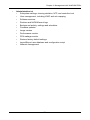
Additional Info and Management – LUN mapping, UPS management, User
management, Software services management, Flash through TFTP (Firmware
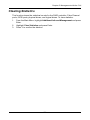
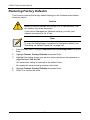
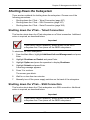
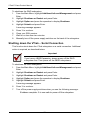
update), Clear Statistics, Restore Default Settings, Shutdown or Restart the
subsystem.
Buzzer – Enable, disable or silence the buzzer (audible alarm).
Accessing Online Help
To access online help on any CLU screen, press Control-AE.
To return to the CLU, press Enter.
209