1
VTrak E-Class Product Manual
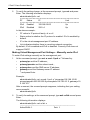
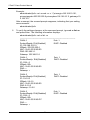
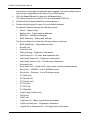
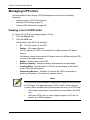
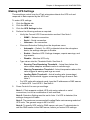
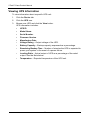
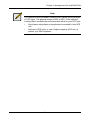
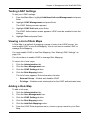
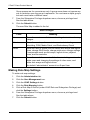
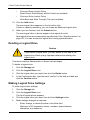
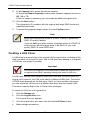
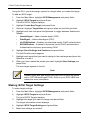
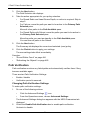
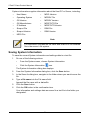
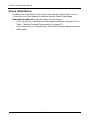
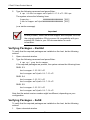
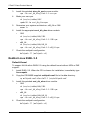
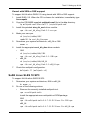
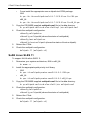
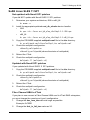
Default source and target drives are shown with possible alternative choices.
5.
To choose different drive, highlight the drive, press the backspace key to
remove the current number, then type a new number.
6.
Highlight Start and press Enter.
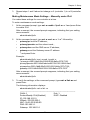
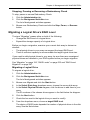
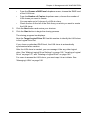
For transition rate, see “Making Background Activity Settings” on page 273.
Locating a Disk Array
This feature helps you identify the physical drives assigned to the disk array you
are working with in the CLU.
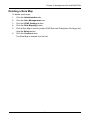
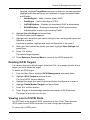
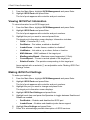
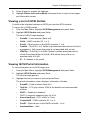
To locate a disk array:
1.
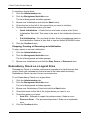
From the Main Menu, highlight Disk Array Management and press Enter.
2.
Highlight the disk array you want and press Enter.
3.
Highlight Locate Disk Array and press Enter.
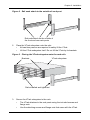
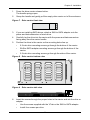
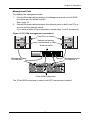
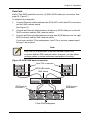
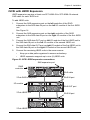
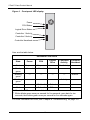
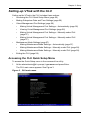
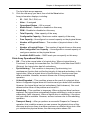
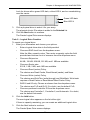
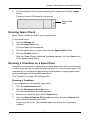
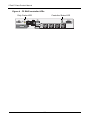
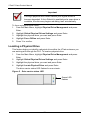
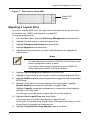
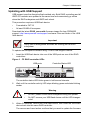
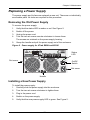
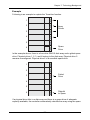
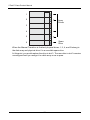
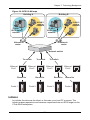
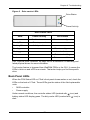
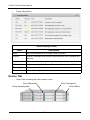
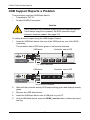
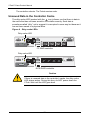
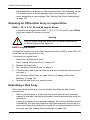
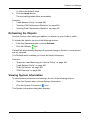
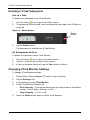
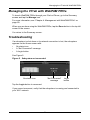
The drive carrier status LEDs flash for one minute.
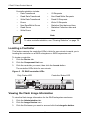
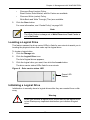
Figure 6. Drive carrier status LED
Green LED
flashes
238