1
VTrak E-Class Product Manual
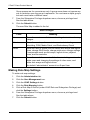
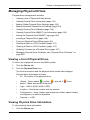
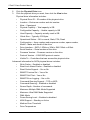
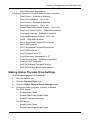
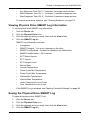
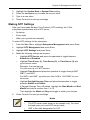
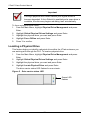
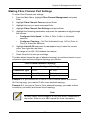
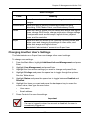
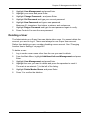
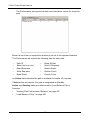
The list of disk arrays appears.
2.
Highlight the disk array you want and press the Enter.
3.
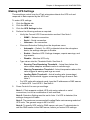
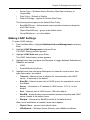
Make settings changes as required:
•
Enter, change or delete the alias in the Alias field
Maximum of 32 characters; letters, numbers, space between
characters, and underline.
4.
•
Media Patrol – Highlight and press the spacebar to toggle between
enable and disable.
•
PDM – Highlight and press the spacebar to toggle between enable and
disable.
•
Power Management – Highlight and press the spacebar to toggle
between enable and disable.
Press Control-A to save your settings.
Notes
•
You can also enable or disable Media Patrol for the entire
RAID system. See “Making Background Activity Settings” on
page 273.
•
Power Management must be enabled on the disk array for the
HDD Power Saving settings to be effective. See “Making Disk
Array Settings” on page 233.
•
Power management is limited to the features your HDDs
actually support.
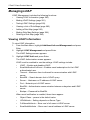
Viewing Disk Array Information
1.
2.
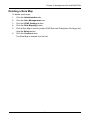
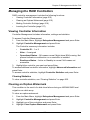
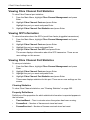
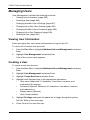
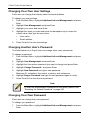
From the Main Menu, highlight Disk Array Management and press Enter.
Highlight the disk array you want and press Enter.
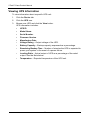
The information and settings screen appears.
3.
Highlight any of the following and press Enter to view a list of:
•
Physical drives in this array
•
Logical drives in this array
•
Spare drives in this array, dedicated and global
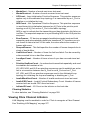
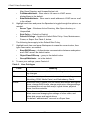
Disk Array Operational Status
•
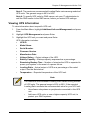
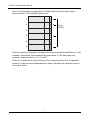
OK – This is the normal state of a logical drive. When a logical drive is
Functional, it is ready for immediate use. For RAID Levels other than RAID 0
(Striping), the logical drive has full redundancy.
234