1
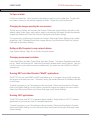
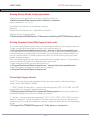
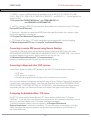
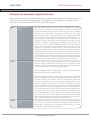
Table of Contents
Introduction
1
Notational Conventions
Warranty and Service
1-1
1-1
Getting Started
2
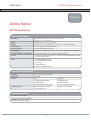
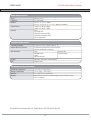
MT7570 Specifications
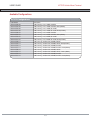
Configurations
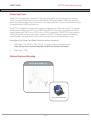
Unpacking the MT7570
Accessories
2-1
2-3
2-4
2-4
Installation
Mounting Hardware Configurations
Bottom Mount Orientation
Top Mount Orientation
Connecting Power
Optional Keyboard Mounting
Connecting the optional keyboard
Connecting a Barcode Scanner
Getting to Know the MT7570
Rear Access Panel
i)
How to Remove
ii)
Main Power Switch
iii) I/O Ports
iv) Audio Connections
Terminal ON/OFF Switch
i)
Performing a Warm Boot
ii)
Performing a Cold Boot
Using the Touchscreen
The MT7570 with Linux Operating System
The User Interface
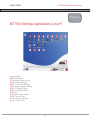
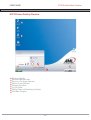
Home Desktop Overview
i)
Quick Access Panel
ii)
MT7570 Menu
iii) Show Desktop Icon
iv) On-Screen Keyboard
v)
Calculator
vi) Adjust Speaker Volume
vii) Power Down Icon
viii) Application Folders
(1)
Active Tasks Folder
(2)
Internet Folder
(3)
Accessories Folder
Table of Contents
3
3-1
3-2
3-2
3-3
3-3
3-4
3-5
4
4-1
4-1
4-2
4-2
4-3
4-4
4-4
4-4
4-4
5
5-1
5-2
5-3
5-3
5-3
5-3
5-4
5-4
5-4
5-4
5-4
5-4
5-4