1
Table of Contents
(cont’d)
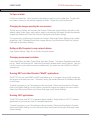
vi) Log Off System
vii) Shutting down and rebooting the system
viii) Start Menu Programs
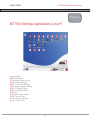
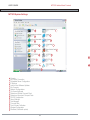
MT7570 System Settings
i)
Console
ii)
My Current Connections
iii) Embedded Server Configuration
iv) IE Settings
v)
Look for new Software Updates
vi) My Computer
vii) Network Configuration
viii) On-Screen Keyboard
ix) Reboot and Protect Compact Flash
x)
Reboot and Unprotect Compact Flash
xi) RS-232 Configuration
xii) Sound Settings
xiii) Task Manager
xiv) Time and Date
xv) Touchscreen Calibration
xvi) Wireless Configuration
xvii) BlueSoleil (Bluetooth option)
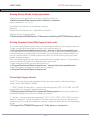
Configuring the MT7570 for your work-site
To Open a folder
Changing the Screen Saver
Setting My Computer to map network drives
Changing Environment Variables
Running MFC and “Win32” Applications
Running .NET Applications
Running Wscript VB and Jscript applications
Running company Intranet Web Pages in kiosk mode
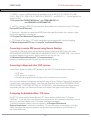
Connecting to legacy servers
Connecting to remote RDP servers using Remote Desktop
Connecting to Skype and other VOIP services
Configuring the Embedded Web / FTP server
Temporarily mapping a network drive
Persistently mapping a network drive
Deleting a mapped drive
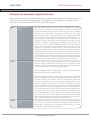
Running an application on system startup
Adding & removing exclusions with File Based Write Filter
Table of Contents
8-3
8-3
8-3
8-5
8-6
8-6
8-6
8-6
8-7
8-7
8-8
8-9
8-9
8-9
8-10
8-10
8-11
8-11
8-12
8-13
8-14
9
9-2
9-2
9-2
9-2
9-2
9-2
9-3
9-3
9-3
9-4
9-4
9-4
9-5
9-5
9-5
9-5
9-5