1
Wasp Labeler User Manual
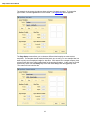
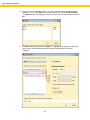
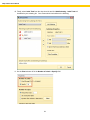
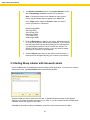
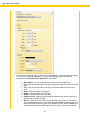
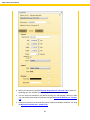
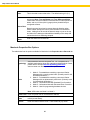
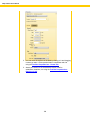
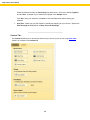
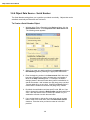
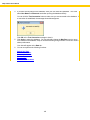
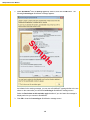
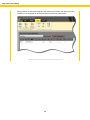
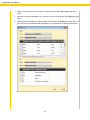
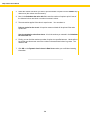
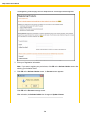
5. If you want the date to start earlier or later than today, enter in the
duration in the Offset by Years, Months, Days fields. For example,
to start the dates one year from the current date, enter 1 in the
Years fields or click the up arrow once. To start the dates one year
prior to today, enter -1 in the Years field or click the down arrow
once.
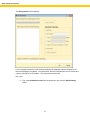
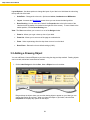
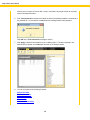
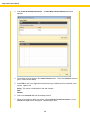
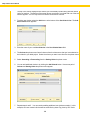
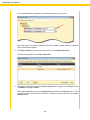
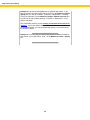
Notice that an example of how your date/time will look appears in the
Sample field.
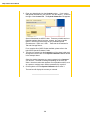
6. Click OK to save your data.
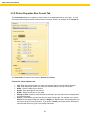
3.6.2 Object Data Source - Serial Alpha
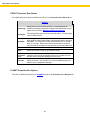
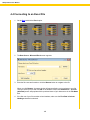
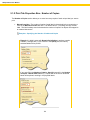
The Serial Alpha setting allows you to serialize your labels alphabetically. Objects that can be
serialized alphabetically are Barcodes and Textboxes.
Steps to Serialize an Object Alphabetically
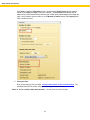
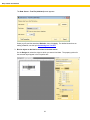
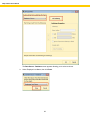
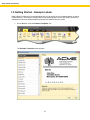
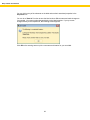
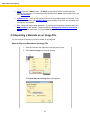
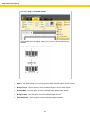
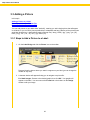
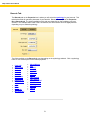
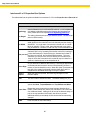
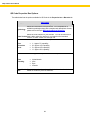
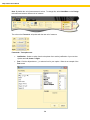
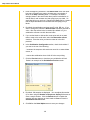
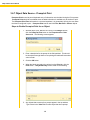
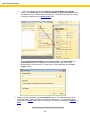
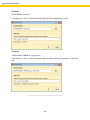
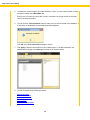
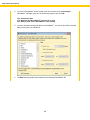
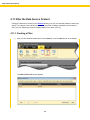
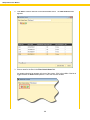
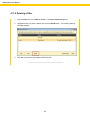
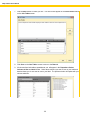
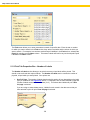
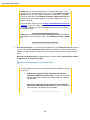
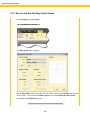
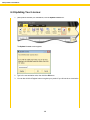
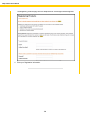
1. With the object (Text or Barcode) in the Design window, click the
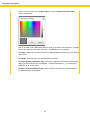
Serial Alpha button on the Properties box > Data Source tab. The
following screen appears:
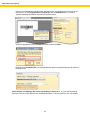
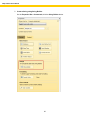
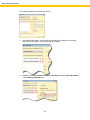
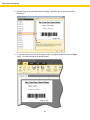
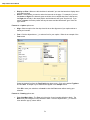
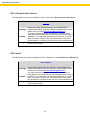
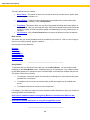
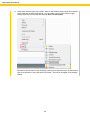
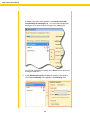
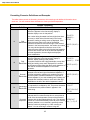
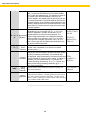
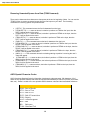
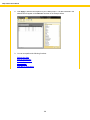
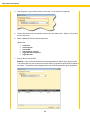
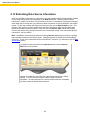
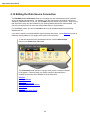
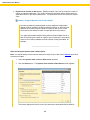
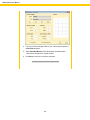
2. Select the how you want your letters to appear from the Character
Set drop down list. Options are:
Upper case
Lower case
Upper then lower case
Lower then upper case
109