1
Wasp Labeler User Manual
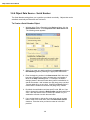
3.6.5 Object Data Source - User Defined List
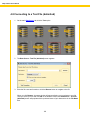
Labeler contains a set of lists you can use as a data source, or you can create a custom list.
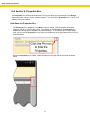
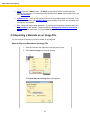
Steps to Bind an Object to a User Defined List
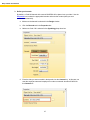
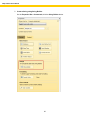
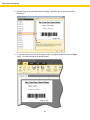
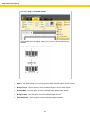
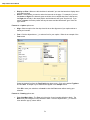
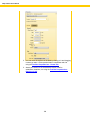
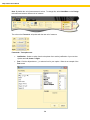
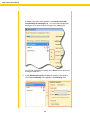
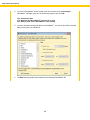
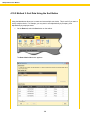
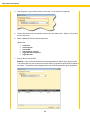
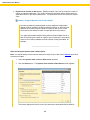
1. Select an object (barcode, picture or text box) in the Design window, then click on the
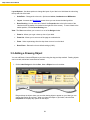
Properties Box > Data Source tab and select User Defined List.
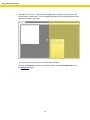
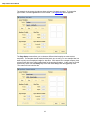
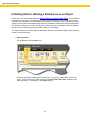
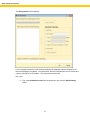
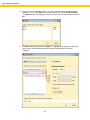
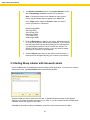
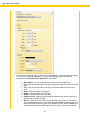
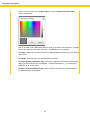
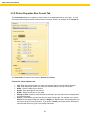
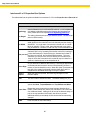
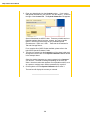
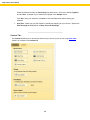
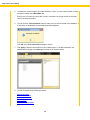
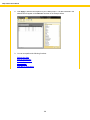
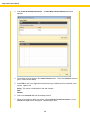
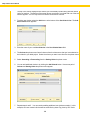
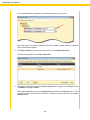
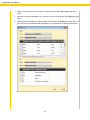
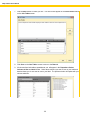
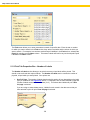
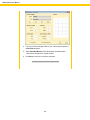
The User Defined list screen appears;
113