1
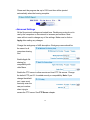
By enabling SMART, the NAS will report when the hard drive is about to
fail. Your hard drive must support this feature.
The HD Power Management should be enabled to prolong the life of the
hard drive. When there is no activity for the set time period, the hard drive
will power down to conserve power, save wear and tear, and prevent the
unit from building up unnecessary heat. When a user wants to access the
storage, the NAS will automatically wake up.
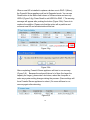
Select the type of RAID or Single you want to apply above then click on
the icon to begin the initialization process.
Click OK to the warning message to continue the process. (Please note
that the action will format your HD and all data inside will be lost.)
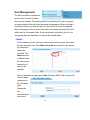
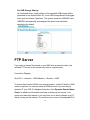
Enter the workgroup name, description and initial share folder name. The
workgroup name
should be the same
one that the
computers accessing
the NAS are on.
Windows 2000/XP
users can use a different workgroup name if desired. Click Next to
continue.
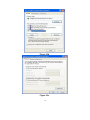
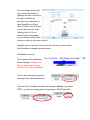
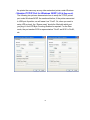
You can find your workgroup name
by right clicking on My Computer
and selecting Properties.
51