1
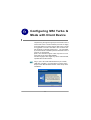
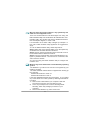
4.1.2 Changing the Control Setting (for Windows XP only)
If you use W indows XP, the wireless LAN is controlled
by the operating system (default). To take full advantage
of your MSI wireless adapter, it is recommended to use
the MSI Wireless Network Utility to control your wireless
LAN.
To change the control setting:
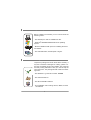
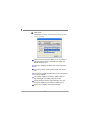
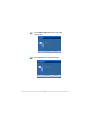
ST EP 1
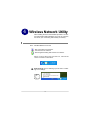
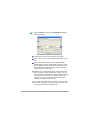
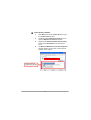
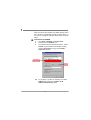
Click Start to select Network Connections under
Setting.
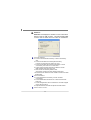
ST EP 2
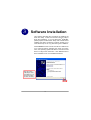
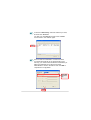
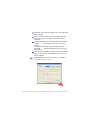
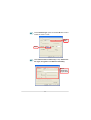
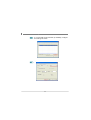
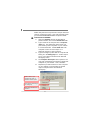
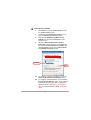
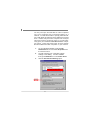
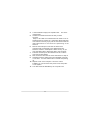
Right-click the Wireless Network Connection, select
Properties to bring up following dialogue windows.
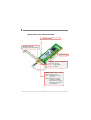
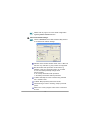
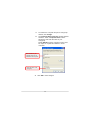
Click Wireless Network and uncheck the Use
Windows to configure my wireless network settings,
then click OK.
Uncheck this option
Click
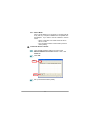
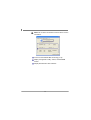
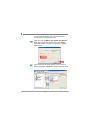
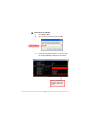
ST EP 3
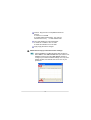
Now you can use the MSI Wireless Utility to configure
your wireless network settings.
15