1
>>> 3.1 Software Setup
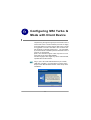
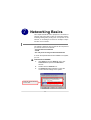
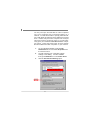
After installing the W ireless PCI Card to your computer
and then turning on the computer, the operating system
will detect a new device and start the configuraton
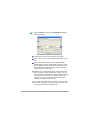
automatically. Please CANCEL the pop-up window from
Found New Hardare Wizard to install necessary driver
and utility from the InstallShield Wizard of your Software
CD.
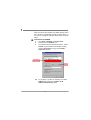
ST EP 1
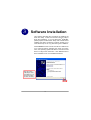
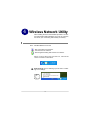
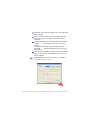
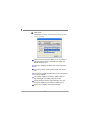
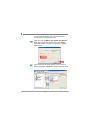
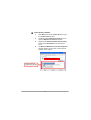
Insert the Software CD into your CD-ROM driver, and the
Setup program shall launch automatically.
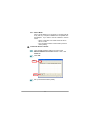
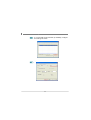
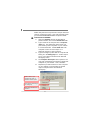
If the Autorun program didn’t launch automatically, click
Start at the taskbar and select Run.... Type E:\setup.
exe (where E is your CD-drive) in the Open box and click
OK to launch the Setup program manually.
Click
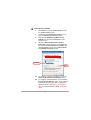
ST EP 2
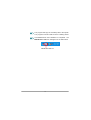
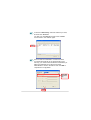
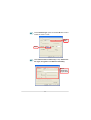
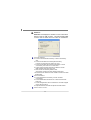
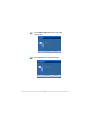
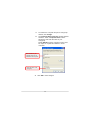
The welcome screen of InstallShield W izard appears.
Read and Accept the License Agreement; then click
Next.
11