1
BitDefender Total Security 2010
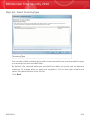
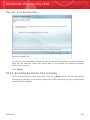
Create Vault
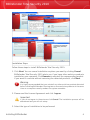
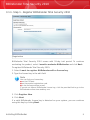
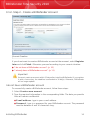
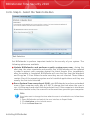
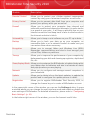
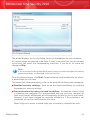
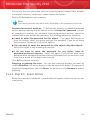
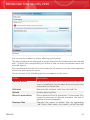
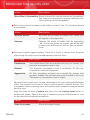
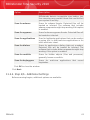
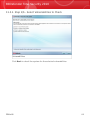
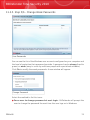
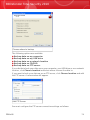
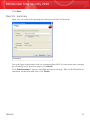
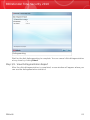
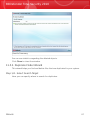
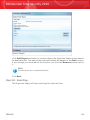
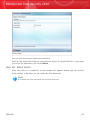
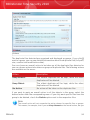
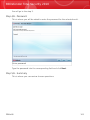
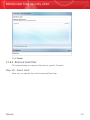
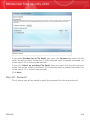
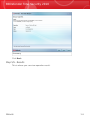
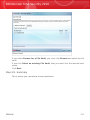
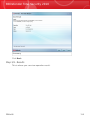
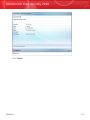
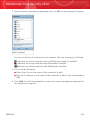
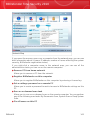
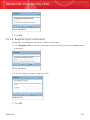
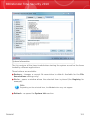
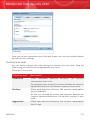
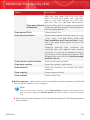
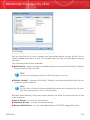
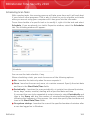
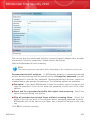
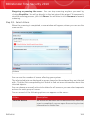
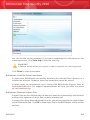
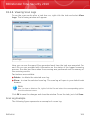
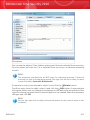
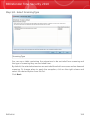
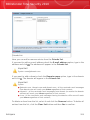
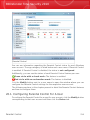
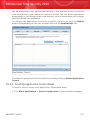
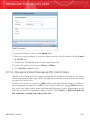
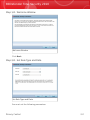
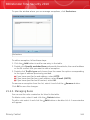
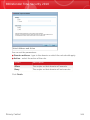
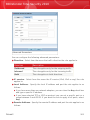
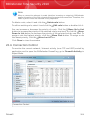
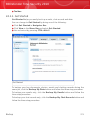
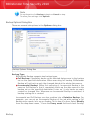
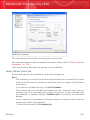
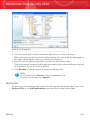
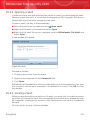
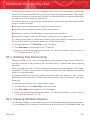
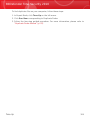
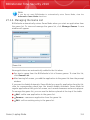
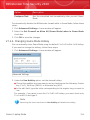
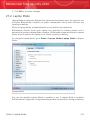
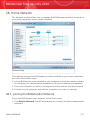
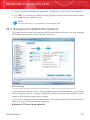
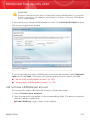
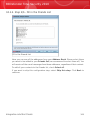
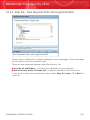
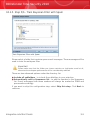
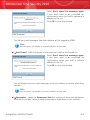
To complete the file vault related information follow these steps:
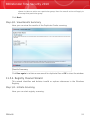
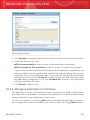
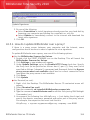
1. Click Browse and choose a location for the bvd file.
Note
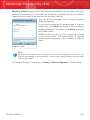
Remember that the file vault is an encrypted file on your computer with the bvd
extension.
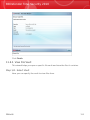
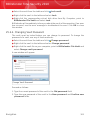
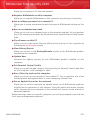
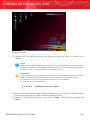
2. Select a drive letter for the new file vault from the corresponding drop-down
menu.
Note
Remember that when you mount the bvd file, a new logical partition (a new drive)
will appear.
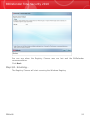
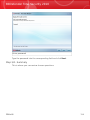
3. Type a password for the file vault into the corresponding field.
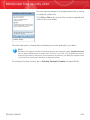
Note
The password must have at least 8 characters.
4. Re-type the password.
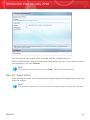
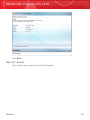
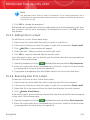
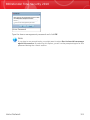
5. Set the size of the file vault (in MB) by typing a number into the corresponding
field.
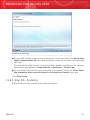
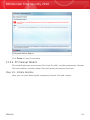
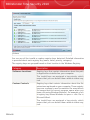
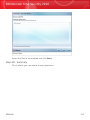
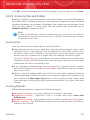
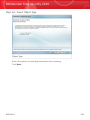
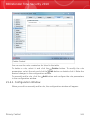
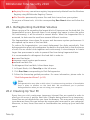
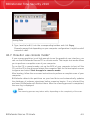
Click Next.
Wizards
104