1
BitDefender Total Security 2010
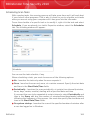
Registry Control
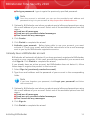
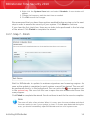
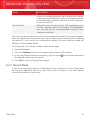
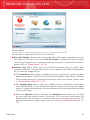
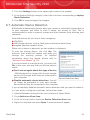
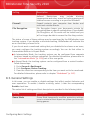
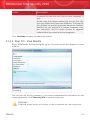
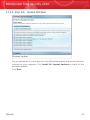
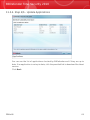
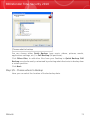
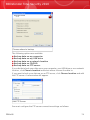
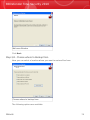
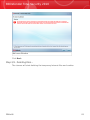
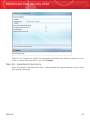
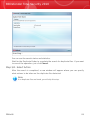
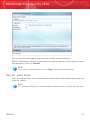
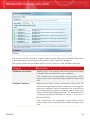
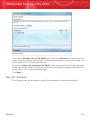
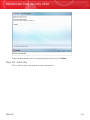
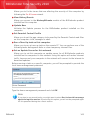
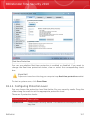
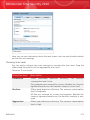
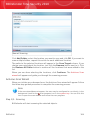
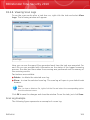
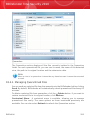
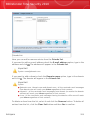
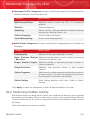
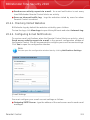
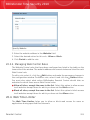
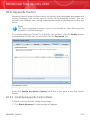
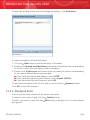
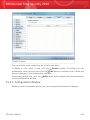
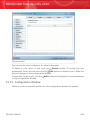
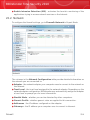
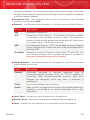
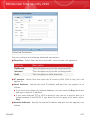
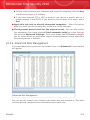
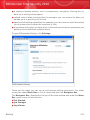
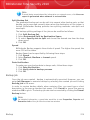
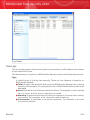
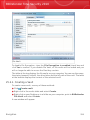
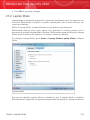
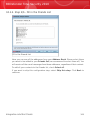
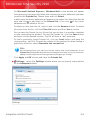
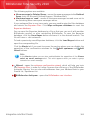
You can see the rules created so far listed in the table.
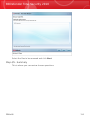
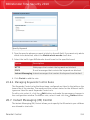
To delete a rule, select it and click the
Delete button.
21.4. Cookie Control
Cookies are a very common occurrence on the Internet. They are small files stored
on your computer. Websites create these cookies in order to keep track of specific
information about you.
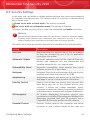
Cookies are generally made to make your life easier. For example they can help
the website remember your name and preferences, so that you don't have to enter
them on every visit.
But cookies can also be used to compromise your privacy, by tracking your surfing
patterns.
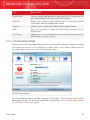
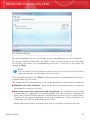
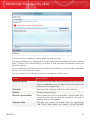
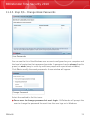
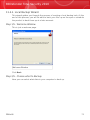
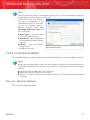
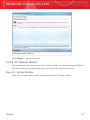
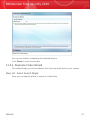
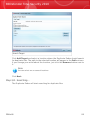
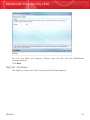
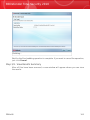
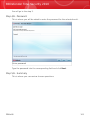
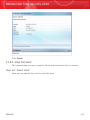
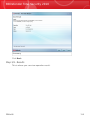
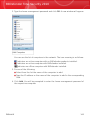
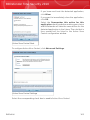
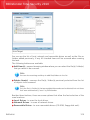
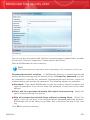
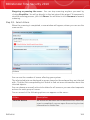
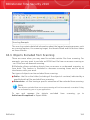
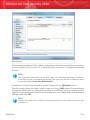
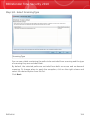
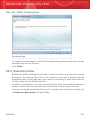
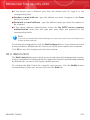
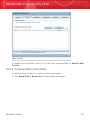
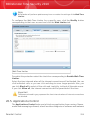
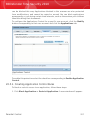
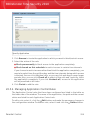
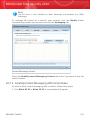
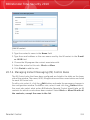
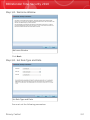
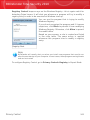
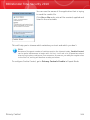
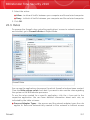
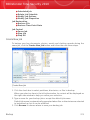
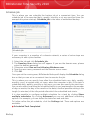
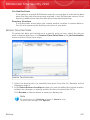
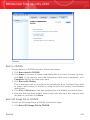
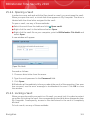
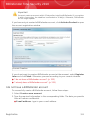
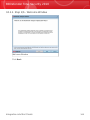
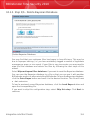
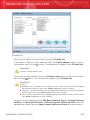
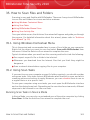
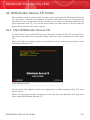
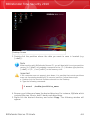
This is where Cookie Control helps. When enabled, Cookie Control will ask for
your permission whenever a new website tries to set a cookie:
Privacy Control
243