1
BitDefender Total Security 2010
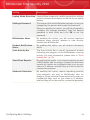
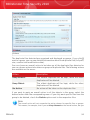
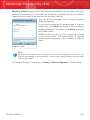
Registry Control keeps an eye on the Windows Registry - this is again useful for
detecting Trojan horses. It will alert you whenever a program will try to modify a
registry entry in order to be executed at Windows start-up.
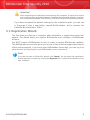
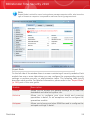
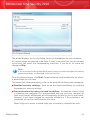
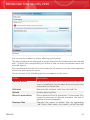
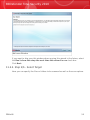
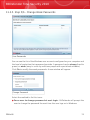
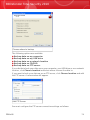
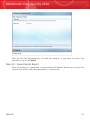
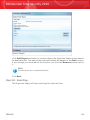
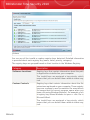
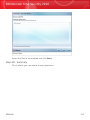
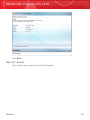
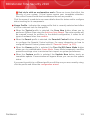
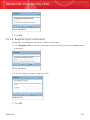
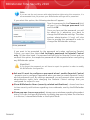
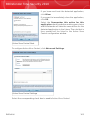
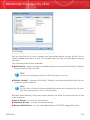
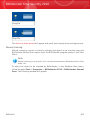
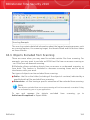
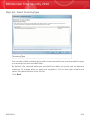
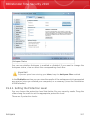
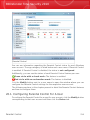
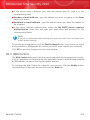
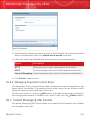
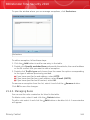
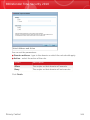
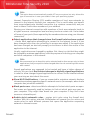
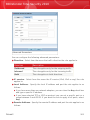
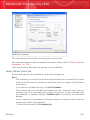
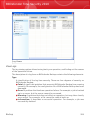
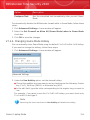
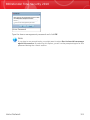
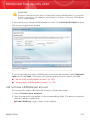
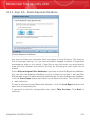
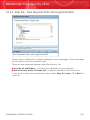
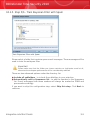
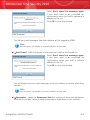
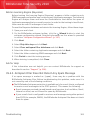
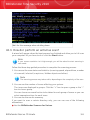
You can see the program that is trying to modify
Windows Registry.
If you do not recognize the program and if it seems
suspicious, click Block to prevent it from modifying
Windows Registry. Otherwise, click Allow to permit
the modification.
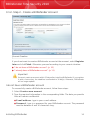
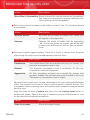
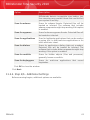
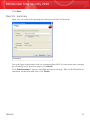
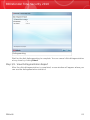
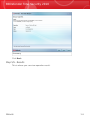
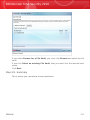
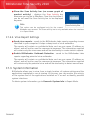
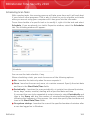
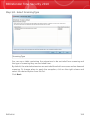
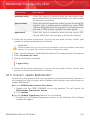
Based on your answer, a rule is created and listed
in the rules table. The same action is applied
whenever this program tries to modify a registry
entry.
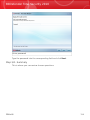
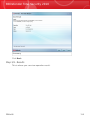
Registry Alert
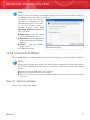
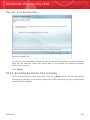
Note
BitDefender will usually alert you when you install new programs that need to run
after the next startup of your computer. In most cases, these programs are legitimate
and can be trusted
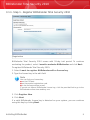
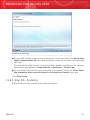
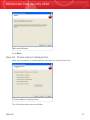
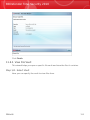
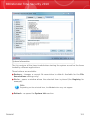
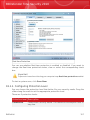
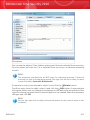
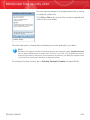
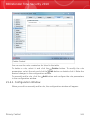
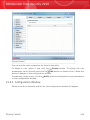
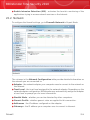
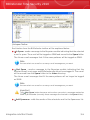
To configure Registry Control, go to Privacy Control>Registry in Expert Mode.
Privacy Control
242