1
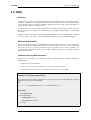
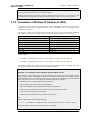
3.4.4. Static and Published ARP
Entries
Chapter 3. Fundamentals
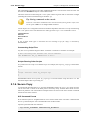
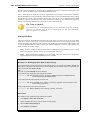
hash size for VLAN interfaces only. The default value is 64.
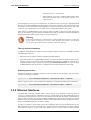
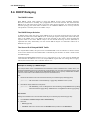
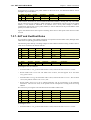
3.4.4. Static and Published ARP Entries
NetDefendOS supports defining static ARP entries (static binding of IP addresses to Ethernet
addresses) as well as publishing IP addresses with a specific Ethernet address.
Static ARP Entries
Static ARP items may help in situations where a device is reporting incorrect Ethernet address in
response to ARP requests. Some workstation bridges, such as radio modems, can have such
problems. It may also be used to lock an IP address to a specific Ethernet address for increasing
security or to avoid denial-of-service if there are rogue users in a network. Note however, that such
protection only applies to packets being sent to that IP address, it does not apply to packets being
sent from that IP address.
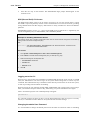
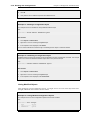
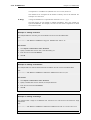
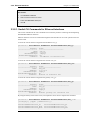
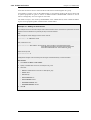
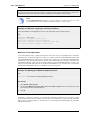
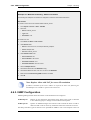
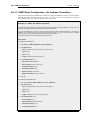
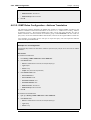
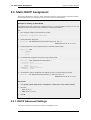
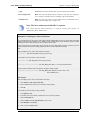
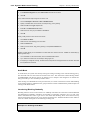
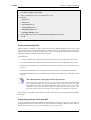
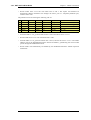
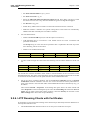
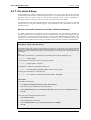
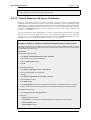
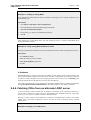
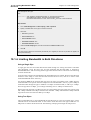
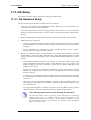
Example 3.16. Defining a Static ARP Entry
This example will create a static mapping between IP address 192.168.10.15 and Ethernet address
4b:86:f6:c5:a2:14 on the lan interface:
CLI
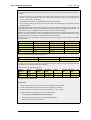
gw-world:/> add ARP Interface=lan IP=192.168.10.15 Mode=Static
MACAddress=4b-86-f6-c5-a2-14
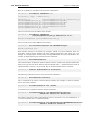
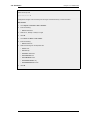
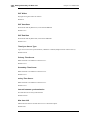
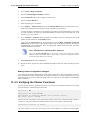
Web Interface
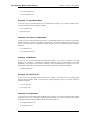
1.
Go to Interfaces > ARP > Add > ARP
2.
Select the following from the dropdown lists:
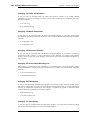
3.
4.
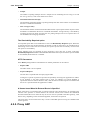
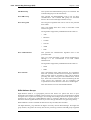
•
Mode: Static
•
Interface: lan
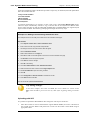
Enter the following:
•
IP Address: 192.168.10.15
•
MAC: 4b-86-f6-c5-a2-14
Click OK
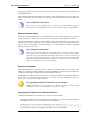
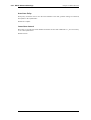
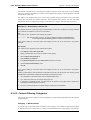
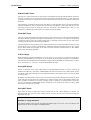
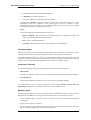
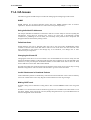
Published ARP Entries
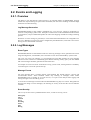
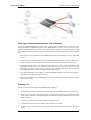
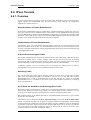
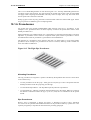
NetDefendOS supports publishing ARP entries, meaning that you can define IP addresses (and
optionally Ethernet addresses) for an interface. NetDefendOS will then provide ARP replies for
ARP requests related to those IP addresses.
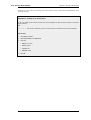
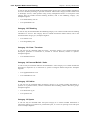
This can serve two purposes:
•
To give the impression that an interface in NetDefendOS has more than one IP address.
•
To aid nearby network equipment responding to ARP in an incorrect manner. This use is
however less common.
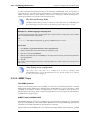
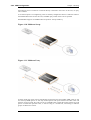
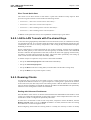
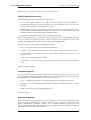
The first purpose is useful if there are several separate IP spans on a single LAN. The hosts on each
IP span may then use a gateway in their own span when these gateway addresses are published on
101