1
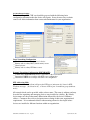
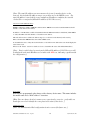
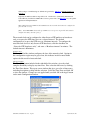
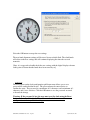
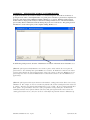
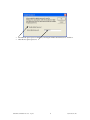
– Allows for setting the NTP mode and parameters of the SNTP
client in the network clock. These settings are located in the upper left hand section of the device settings
window
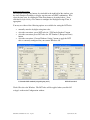
Network Time Protocol [NTP] Parameters
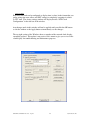
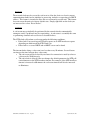
The Primary Source information must be configured in order to acquire time from an NTP source.
Enter either the IP address or Internet address (URL) for the NTP source. If available, enter a
Secondary Source for backup.
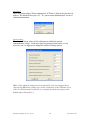
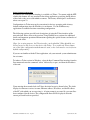
The primary and secondary server information can automatically be configured by the DHCP server
when selecting the “Use NTP server(s) address provided by DHCP server” provided your DHCP
server is configured to do so. Consult your IT /Network Administrator to utilize this option.
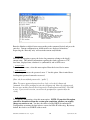
The default, well-known port for NTP service is 123. This can be changed as desired (using the Telnet
application).
[Note: some NTP/SNTP servers will expect NTP clients to operate on port 123 and cannot be configured to
utilize alternate ports.]
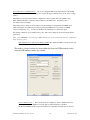
Query NTP server for time (Unicast Mode for NTP) - By default, the NTP clock will operate only
in Unicast /Query mode using server port 123.
This mode is selected exclusively when neither the listen for NTP broadcast nor the
listen for NTP multicast modes are selected.
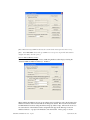
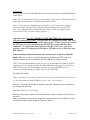
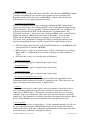
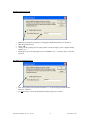
Listen for NTP broadcasts –. The network clock can configured to listen to NTP broadcasts by
selecting the “Listen for NTP via broadcast address [255,255,255,255]” checkbox.
The Broadcast/Multicast timeout period (in minutes) is adjustable when this mode is selected.
ND-CLK User Manual- Rev 1.0.1 - Sep-08
18
Symmetricom®, Inc