1
Configuring the Terminal
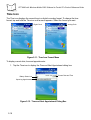
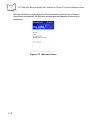
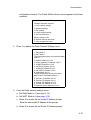
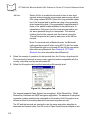
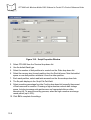
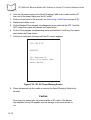
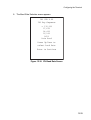
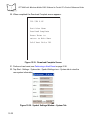
22. When the entire image is received, IPL displays the Download Complete screen to
indicate that the download is complete.
IPL VER X.XX
Partition Name
Download Complete
Press Enter to
return to Main Menu
Cold Boot Exits IPL
Figure 12-13. Download Complete Screen
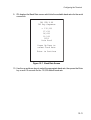
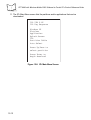
23. Press the Enter key to return to the Main Menu screen.
24. Repeat for each hex file.
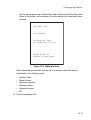
25. Hard reset the terminal (see Performing a Hard Reset on page 2-36) when all
partitions are downloaded successfully.
26. On the development computer, select File - Exit to exit TCM.
12-17