1
Problems with printed documents 64
Paper curls when you print on it 64
Toner does not stay fixed on the paper 64
The printer prints on only part of the paper 64
The printing is off-center, or images are out of place 65
Nothing is printed on the paper 65
The image prints in black and white although
the original document is in color or grayscale 65
The image is too light 66
The image is too dark 67
The page prints solid black 67
Unwanted lines or stripes appear 67
The image is wavy or distorted 67
Stains appear on output 68
There are faded areas or white voids on the page 68
There are blotchy areas or ghost images on the page 69
Macintosh troubleshooting 69
The Chooser does not appear in the Apple menu 69
No LaserWriter icon appears in the Chooser 70
The printer is not listed in the Chooser 70
Nothing is printed; no paper comes out of the printer 71
A message on the screen says the printer can’t print 71
Chapter 6 Maintenance
73
Safety first 74
Precautions during maintenance 75
Regular maintenance 76
Low toner level 76
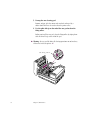
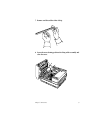
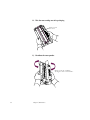
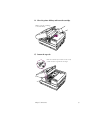
Replacing the toner cartridge 77
Cleaning the exterior 85
Replacing the ozone filter 85
vi
Contents