1
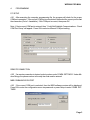
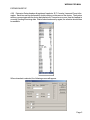
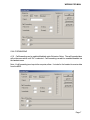
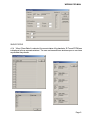
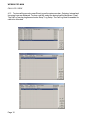
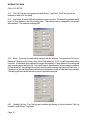
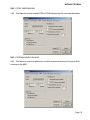
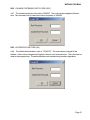
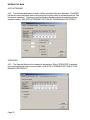
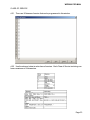
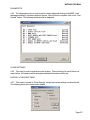
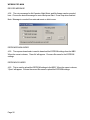
WPBX00 PRO MAN 4. PROGRAMMING PC SETUP 4.01 After executing the computer programming file, the program will check for the proper COM port connection. If the correct COM port is not selected, then select the correct port to start the connection (Ports 1-4 available). If the COM port is correct, then press OK. Note: If the incorrect COM port is entered, then Could Not Establish Communications - Check COM Port Setup will appear. Press OK to select a different COM port setting. REMOTE CONNECTION 4.02 If a remote connection is desired, select modem under COMM. SETTINGS. Under Modem Strings, the phone number is the only item that must be entered. MBS COMMUNICATION TEST 4.03 If the correct COM port is selected, then the MBS software version will be displayed. Press OK to enter the configuration menu via password or press Setup to enter COMM. SETTINGS. Page 3