1
Operation
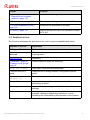
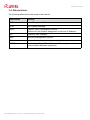
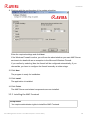
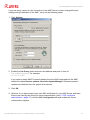
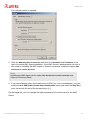
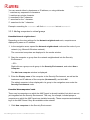
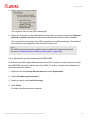
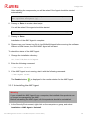
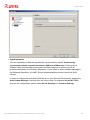
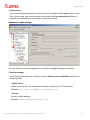
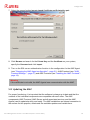
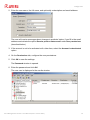
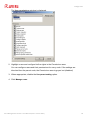
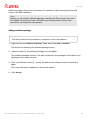
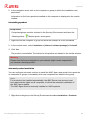
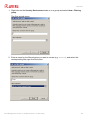
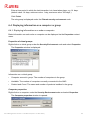
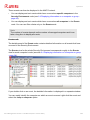
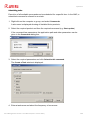
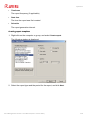
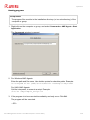
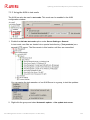
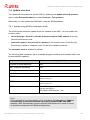
3. Select a filter from the drop-down list:
The log file is filtered and displayed in the window.
Resetting the error status
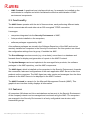
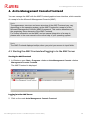
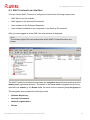
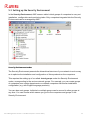
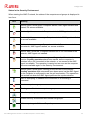
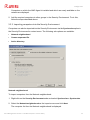
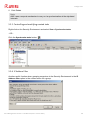
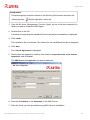
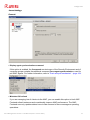
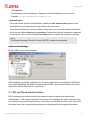
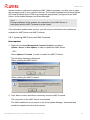
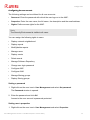
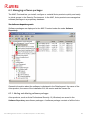
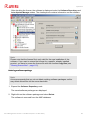
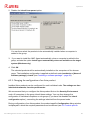
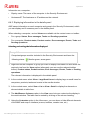
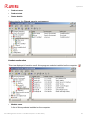
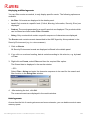
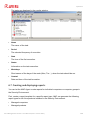
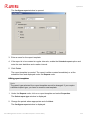
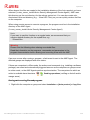
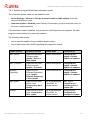
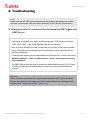
When an error occurs in the AMC, the affected areas of the Security Environment are
highlighted in the navigation area with a red stop icon.
Prerequisites
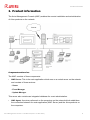
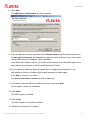
• An error icon
is displayed next to the computer or group node.
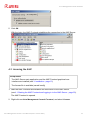
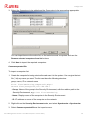
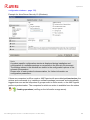
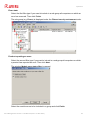
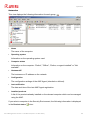
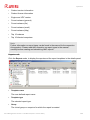
In the toolbar, select the Error messages view for the computer or group in the Security
Environment.
Check log file
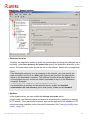
To identify and rectify the error, first check the log file for the affected node (see above).
Delete error
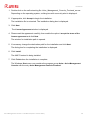
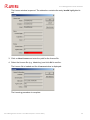
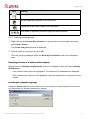
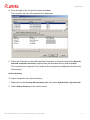
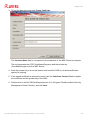
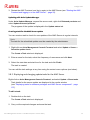
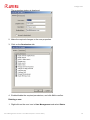
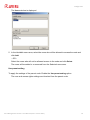
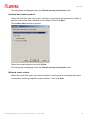
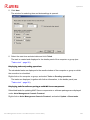
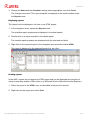
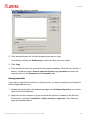
1. To prevent other relevant error messages from being accidentally deleted, right-click on
the appropriate error and select Delete.
2. Click Yes to confirm.
The error message is deleted.
Reset error status
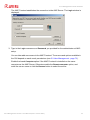
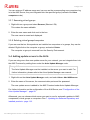
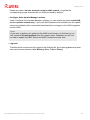
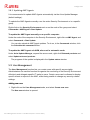
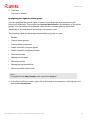
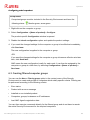
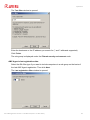
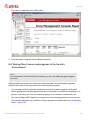
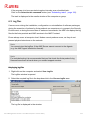
After fixing the error’s cause, reset the error status of the node by right-clicking the node
and selecting Reset error state.
Avira Management Console - User Manual (Status: 17 Nov 2011)
118