1
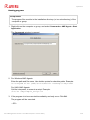
Configuration
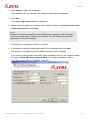
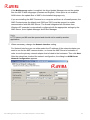
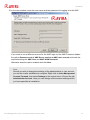
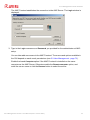
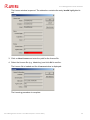
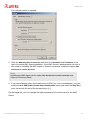
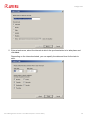
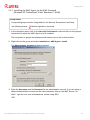
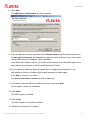
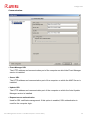
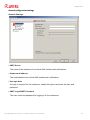
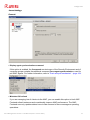
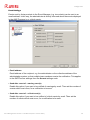
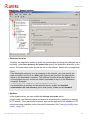
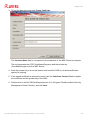
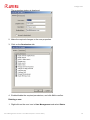
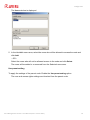
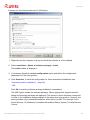
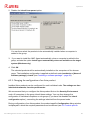
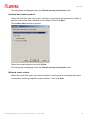
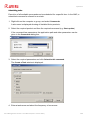
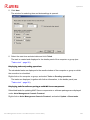
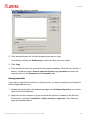
3. Fill out the data form and click Create Certificate.
The Common Name has to correspond to the hostname of the AMC Server’s computer.
The tool generates the CSR (YourNameReq.pem) and the private key
(YourNameKey.pem) for the AMC Server.
4. Save the private key in a secure location and send the CSR to a trusted certification
agency for signing.
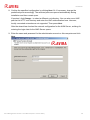
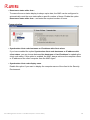
5. If the signed certificate is returned by email, use the Certificate Creation Tool to update
the certificate and the private key in the AMC.
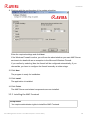
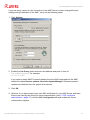
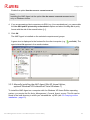
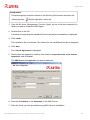
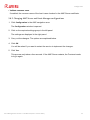
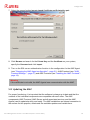
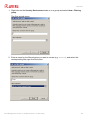
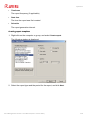
6. Double-click on the file SSLCertRequester.exe (in C:\Program Files\Avira\Avira Security
Management Center Server\), and click Next.
Avira Management Console - User Manual (Status: 17 Nov 2011)
69