1
Vendoma
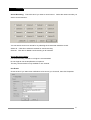
Warning on disk full:
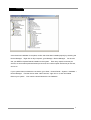
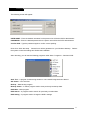
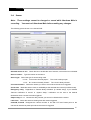
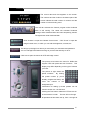
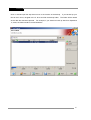
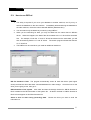
In order to get an alert message when your hard disk is filling up check this box and click
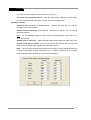
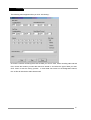
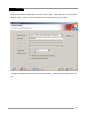
“Properties.” The following box will pop up:
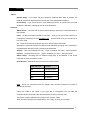
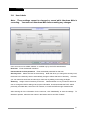
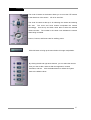
Warning at value:
Last volume: If you have more than one volume and you check this radio button, you
will receive your notification when you are filling up your last volume.
Specify the used percent:
If you select this radio button, you must choose the
percentage at which you want to be notified, up to 99%. The target volume, mentioned
here, may be changed subject to the next option (“Warning at disk.”)
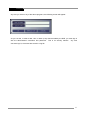
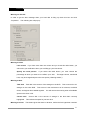
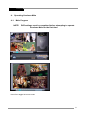
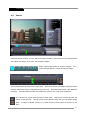
Warning at disk:
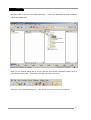
Total disk: Total disk is the amount of the storage on the DVR. This accounts for ALL
storage on the entire DVR. This amount is the total amount of all volumes, hard disk
drives, and logical drives added together. You will receive the warning when all available
space on the drive is full.
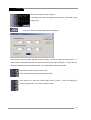
Current disk:
Current disk is the amount of storage in the disk that’s currently
highlighted. This reflects the space for just one drive.
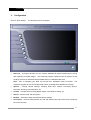
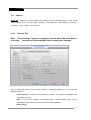
Warning at a term: This feature gives the alarm in advance, before the limit hgas been reached.
21