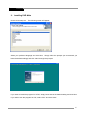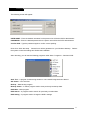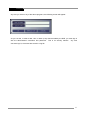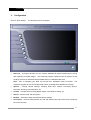
1
Vendoma
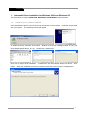
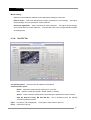
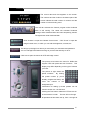
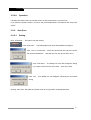
2. For power connection, you may utilize one of the following 3 sources.
-
1 : Connect the power cable from power unit to socket No.2 (+5V)
-
2 : Connect the power cable from power unit to socket No.3
-
3 : Connect power cable from capture board to socket No.1(Option)
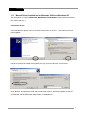
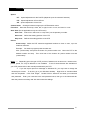
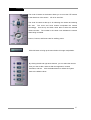
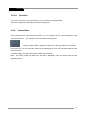
3. Set the jumper as follow, on RS-422 Pan/Tilt settings
Set the jumper as follows, on RS-485 Pan/Tilt settings.
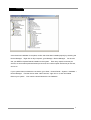
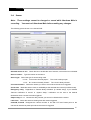
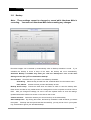
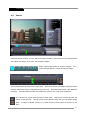
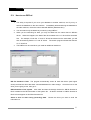
4. Connect the cable from RS485/422 port to PTZ driver as displayed in the following figure.
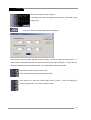
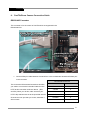
5. If you use the PTZ supported with 232 Pan/tilt, connect the cable from the PTZ to PC serial
port directly.
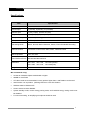
*NOTE:
P/T/Z Cameras require 3 different wiring types.
A. Coax Cable (RG59/RG6) –For Video
B. Power Wire(1 Pair)-For AC 24/DC 12 Volt Power
C. 1 Pair Wire (Positive and negative wire)-For P/T/Z Controls
62