1
Maintaining the printer
8
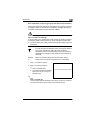
Resetting the counter for the drum cartridge
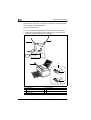
After you have replaced the drum cartridge, reset the drum cartridge
counter.
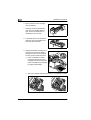
1 Turn off the printer.
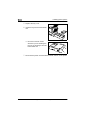
2 While holding down the panel button, turn on the printer.
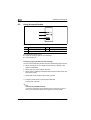
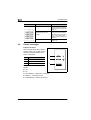
The green “Ready” indicator begins to blink.
3 Continue holding down the panel button, and the green “Ready” indicator starts to blink.
4 After the green “Ready” indicator has blinked for about 5 seconds, release the panel button.
Both indicators begin to blink.
5 After confirming that both indicators are blinking, briefly press the
panel button.
Both indicators light up for about 5 seconds, and then both indicators
begin to blink.
The counter for the drum cartridge has now been reset.
6 Turn the printer off and then on again.
Once the green “Ready” indicator remains on, the printer is again in
Stand-by mode.
8.3
Cleaning the printer
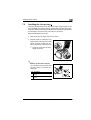
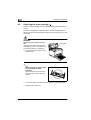
Clean the printer at regular intervals to prevent dust, dirt, and paper residue from accumulating in and on the printer.
Cleaning the outside of the printer
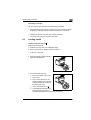
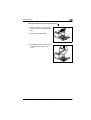
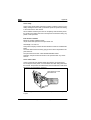
1 Turn off the printer and disconnect the power cord from the printer.
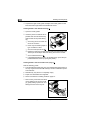
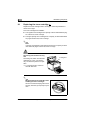
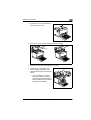
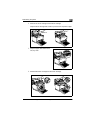
2 Wipe the outside of the printer with a soft cloth. You may moisten the
cloth with a little neutral household cleaner if you wish.
EDNord - Istedgade 37A - 9000 Aalborg - telefon 96333500
8-9