1
Maintaining the printer
8
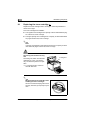
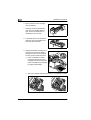
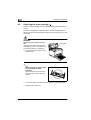
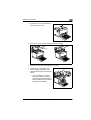
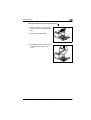
Cleaning the paper feed roller
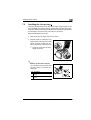
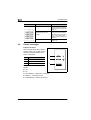
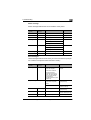
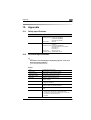
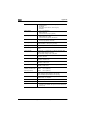
Clean the paper feed roller if paper feed problems occur frequently.
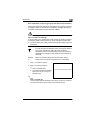
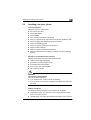
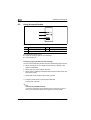
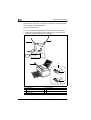
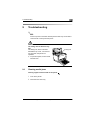
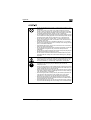
WARNING
The fusing unit can become very
hot!
The fusing unit, which is located beneath the top cover, can become very
hot when the printer is in operation.
➜
To prevent injuries, avoid contact
with this area.
➜
After turning off the printer, wait at
least 10 minutes before cleaning
the inside of the printer.
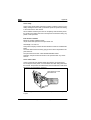
Fusing unit
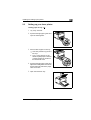
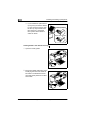
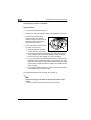
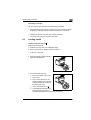
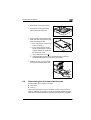
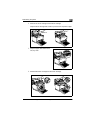
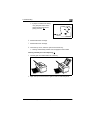
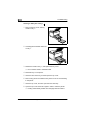
1 Turn off the printer and disconnect the power cord from the printer.
2 Close the face-down tray.
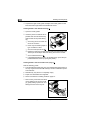
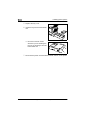
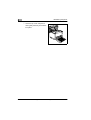
3 Press the top cover release button
and open the top cover.
8-10
EDNord - Istedgade 37A - 9000 Aalborg - telefon 96333500