1
Running Head
ACS-FRS
Card User Screens and Settings
Model
FRS
CardNo.
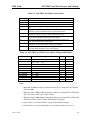
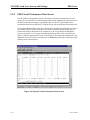
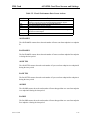
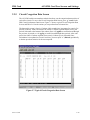
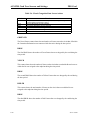
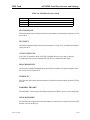
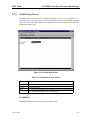
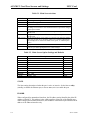
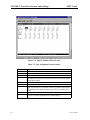
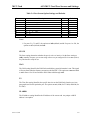
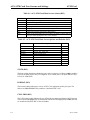
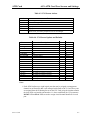
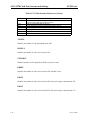
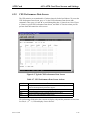
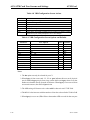
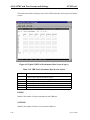
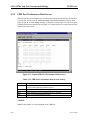
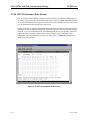
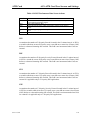
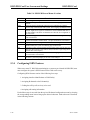
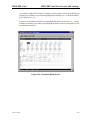
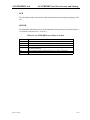
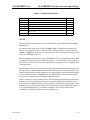
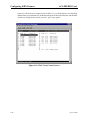
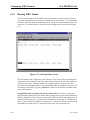
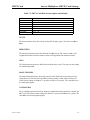
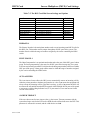
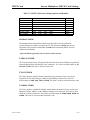
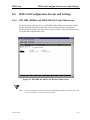
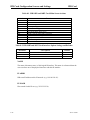
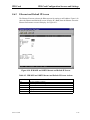
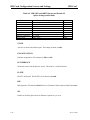
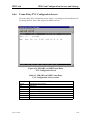
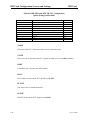
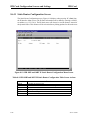
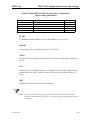
Table 2-6. Circuit Congestion Data Screen Actions
Action
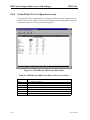
Refresh
pgUp
pgDn
A->b
B->a
Main
Function
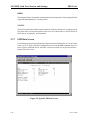
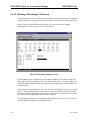
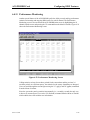
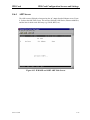
Since performance statistics are not updated on screen, you must press “r”
to obtain updated performance figures.
Pages up through the 96 time segments.
Pages down through the 96 time segments.
Selects the direction of the congestion data.
Selects the direction of the congestion data.
Returns to the Circuit Performance Data Screen.
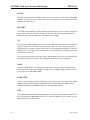
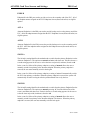
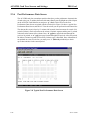
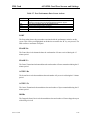
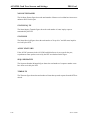
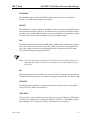
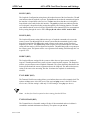
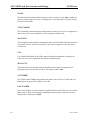
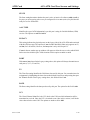
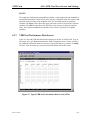
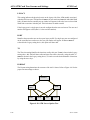
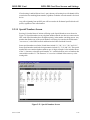
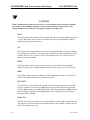
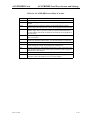
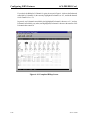
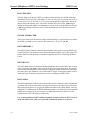
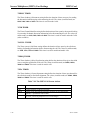
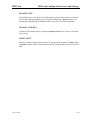
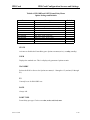
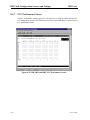
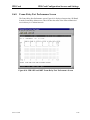
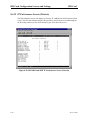
GREEN FR
The Green Frames counter shows the total number of frames sent on the circuit that fell within
the Committed Information rate contracted with the carrier during the time period.
DROP
The first DROP shows the number of Green Frames that were dropped by the card during the
time period.
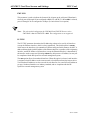
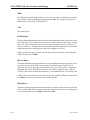
YEL FR
This counter shows the total number of frames on the circuit that exceeded the Bc rate but were
within the Be rate assigned to the endpoint during the time period.
DROP
The second DROP shows the number of Yellow Frames that were dropped by the card during
the time period.
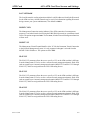
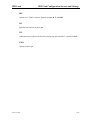
RED FR
This counter shows the total number of frames on the circuit that exceeded the Be rate
assigned to the endpoint during the time period.
DROP
The third DROP shows the number of Red Frames that were dropped by the card during the
time period.
2-20
Server Cards