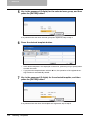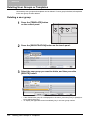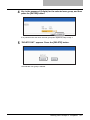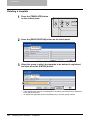
1
3 SETTING OF BASIC COPY MODES
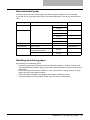
Magazine sort & saddle stitch mode (booklet mode)
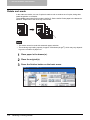
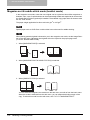
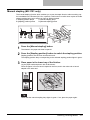
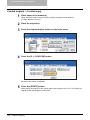
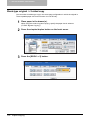
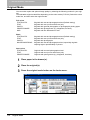
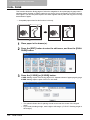
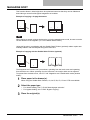
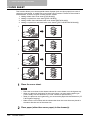
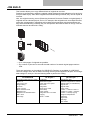
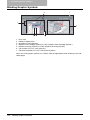
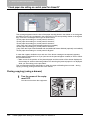
In the magazine sort mode, more than one original can be copied and bound like magazines or
booklets. Also, a set of copied sheets can be automatically folded and stapled at its centre when
the Saddle Stitch Finisher (optional) is installed. The available copy paper sizes for these modes
are A3, A4-R and B4.
The paper weight applicable for this mode is 64 g/m2 to 105 g/m2.
Special paper such as OHP films or sticker label cannot be used for saddle stitching.
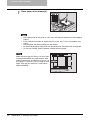
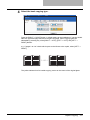
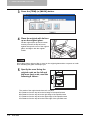
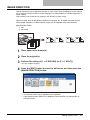
When placing portrait originals horizontal to you in the magazine sort mode, set the Image Direction in the edit menu. Otherwise the originals will not be copied in the proper page order.
( P.193 “IMAGE DIRECTION”)
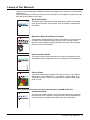
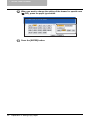
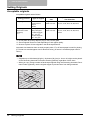
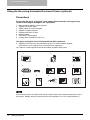
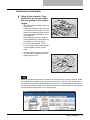
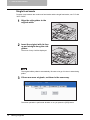
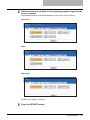
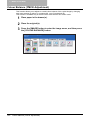
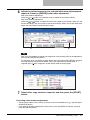
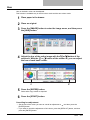
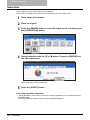
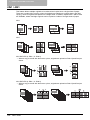
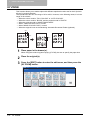
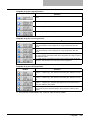
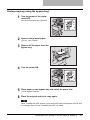
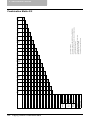
1. When [MAGAZINE SORT] is selected
1
6
2
7
4
3
9
11
2
12
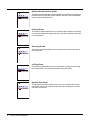
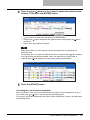
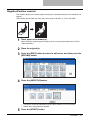
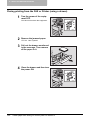
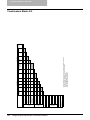
2. When [MAGAZINE SORT & SADDLE STITCH] is selected
1
2
6
3
7
12
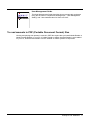
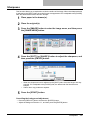
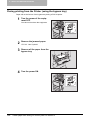
3. When [SADDLE STITCH] is selected
12
10
8
1
6
3
7
5
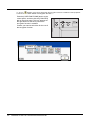
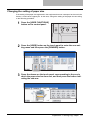
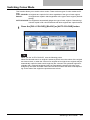
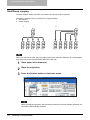
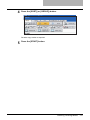
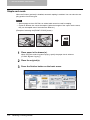
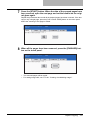
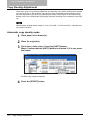
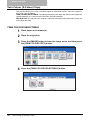
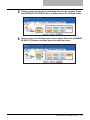
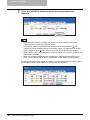
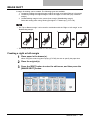
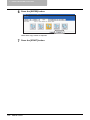
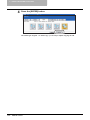
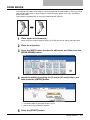
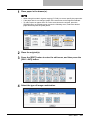
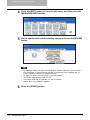
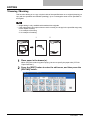
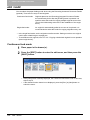
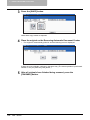
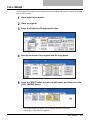
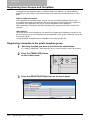
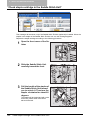
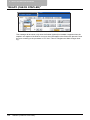
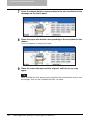
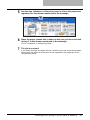
You can select the magazine sort mode from the edit menu, as well as from the basic menu.
When this mode is selected from the edit menu, you can adjust the binding margin of the
copy. To select this mode from the edit menu, see P.171 “MAGAZINE SORT”.
118
Selecting Finishing Modes