1
10 WHEN THIS MESSAGE APPEARS
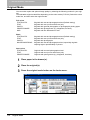
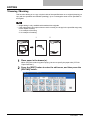
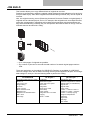
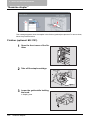
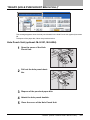
Finisher (optional: MJ-1030)
1
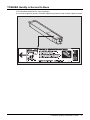
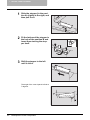
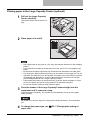
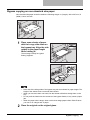
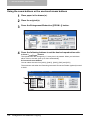
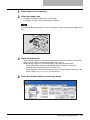
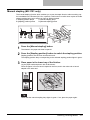
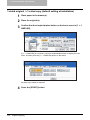
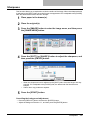
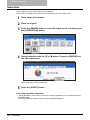
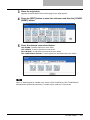
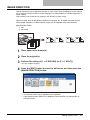
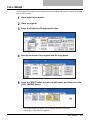
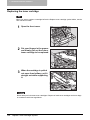
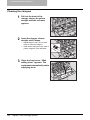
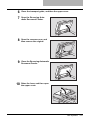
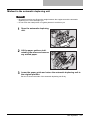
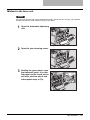
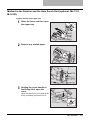
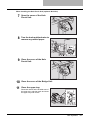
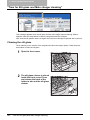
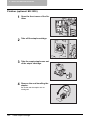
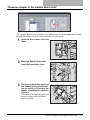
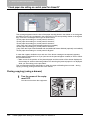
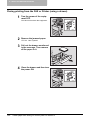
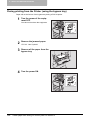
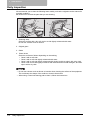
Open the front cover of the finisher.
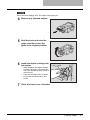
2
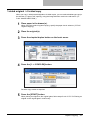
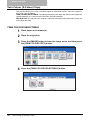
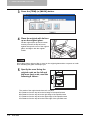
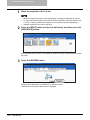
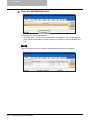
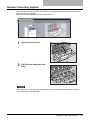
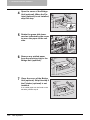
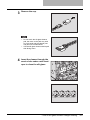
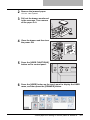
Take off the staple cartridge.
3
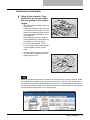
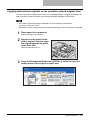
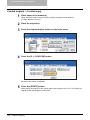
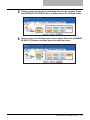
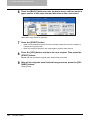
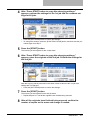
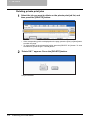
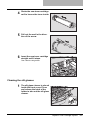
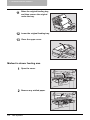
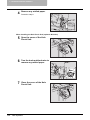
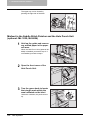
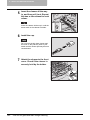
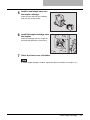
Lower the guide while holding
the knob.
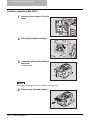
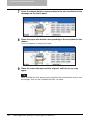
A: Stapling area
A
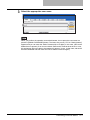
Do not touch the stapling area. The stapler could injure you.
4
352
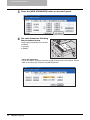
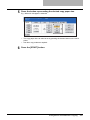
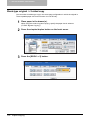
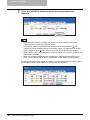
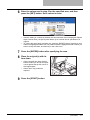
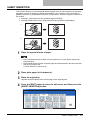
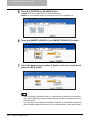
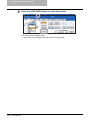
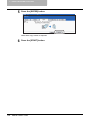
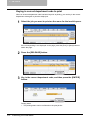
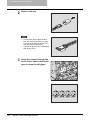
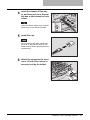
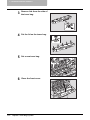
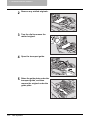
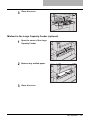
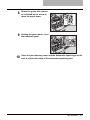
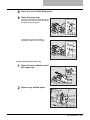
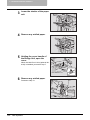
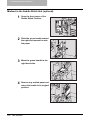
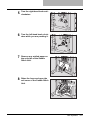
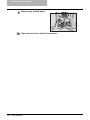
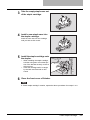
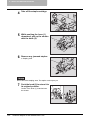
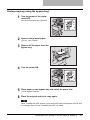
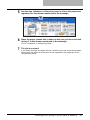
Remove any jammed staples.
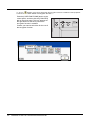
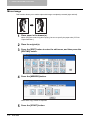
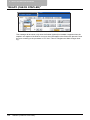
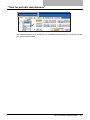
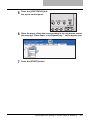
“Examine stapler”