1
Heritage Series ADSL Bridge/ Router
Command Sets for Command Line Interface
7-45
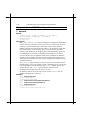
Configuration saving does not save the learned state.
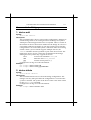
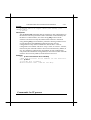
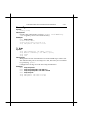
9. <channel> info
Syntax:
<channel> info [all]
Description:
Provide information about the current settings of this channel. This
includes all configured state, and also current protocol information.
Specifying ‘all’ prints out more information. info and status are
synonyms.
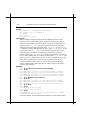
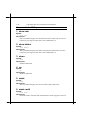
10. <channel> interface
Syntax:
<channel> interface <n>
Description:
Logically associate the specified channel with the specified interface.
Interface 1 is always the router port. It should be used for any PPP
channel over which IPCP communication with the local system’s IP
router is desired. Other interfaces can be created for bridging. A
single PPP channel can only be associated with a single interface, or a
single tunnel. Use info to find the current setting.
Calling with n=0 removes any association. This is the default state.
Configuration saving saves this information.
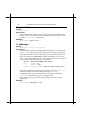
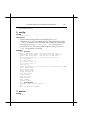
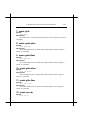
11. <channel> lcpmaxconfigure
Syntax:
<channel> lcpmaxconfigure [<n>]
Description:
Set the Max-Configure parameter for LCP. This is the maximum
number of Configure Requests that will be sent without reply, before
assuming that the peer is unable to respond. Call with no argument to
find the current setting.
The default value is 10. Configuration saving saves this information
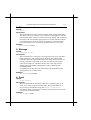
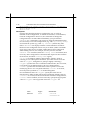
12. <channel> lcpmaxfailure
Syntax:
<channel> lcpmaxfailure [<n>]
Description:
Set the Max-Failure parameter for LCP. This is the maximum number
of consecutive Configure Naks that will be sent before assuming that