1
Using the Projector’s Menu System
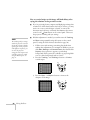
You can use the buttons on the control panel or remote control to
access the menu system. Follow these steps:
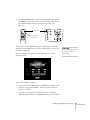
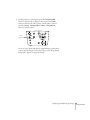
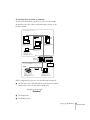
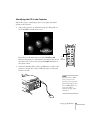
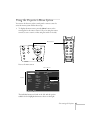
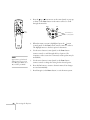
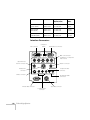
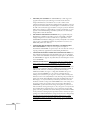
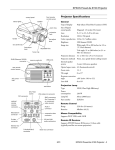
1. To display the menu screen, press the Menu button on the
control panel or the remote control. (If you’re using the remote
control, be sure to turn it on first using the switch on its side.)
Esc
Menu
Help
Comp1
Comp2/YCbCr
Menu button
Power
Menu
Help
Esc
Video
Sync.
Video
king
Trac
Tracking
Computer
Capture
Auto
APPs
Resize
P in P
Preset
A/V mute
- Volume +
S y n c.
Keystone
Resize
Volume
Shift
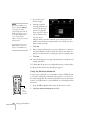
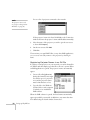
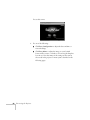
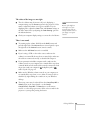
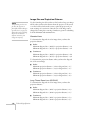
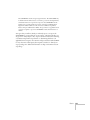
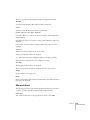
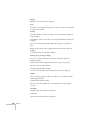
You see the menu screen:
menu options
menus
Video
Audio
Effect
Setting
Capture
Advanced
About
Reset All
Position
Tracking
Sync.
Brightness
Contrast
Sharpness
Gamma
Dynamic
Resolution
Adjustment
9999
99
0
0
0
:
:
:
:
:
:
Normal
Natural
Auto
Manual
:
[
Preset
Reset
:Select
Select
]
Select
Execute
:Enter
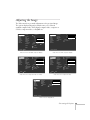
The individual menus are listed on the left, and the options
available for the highlighted menu are shown on the right.
Fine-tuning the Projector 67