1
■
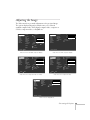
Tint (video only)
Adjusts the balance of green to magenta in the image.
■
Sharpness
Adjusts the sharpness of the image.
■
Gamma
Choose Dynamic for computer images with bright colors
(such as charts or graphs), or Natural to enhance video
images.
■
Resolution (computer images only)
Leave this setting at Auto to allow the projector to detect the
video signal automatically. If the projector is unable to sync
up with the computer, select Manual and choose one of the
settings.
■
Video Signal
Leave this setting at Auto unless you are using a 60-hertz PAL
system (select PAL60).
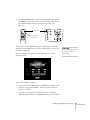
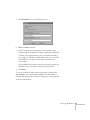
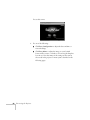
4. When the image is set correctly, press Esc. Your settings are
automatically saved.
Saving and Recalling Computer Settings
When you are projecting from a computer source, you can save and
recall settings (resolution, tracking, sync signal, and position) in up to
five different combinations. This is useful if you use more than one
computer with the projector; you can save the settings for each one
and recall them when necessary.
Follow these steps to save the projector’s current settings:
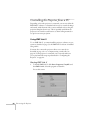
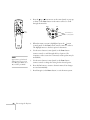
1. Press the Menu button to display the Main menu.
2. Press Enter to select the Video menu.
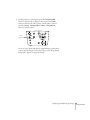
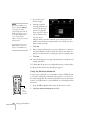
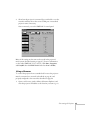
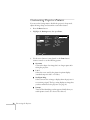
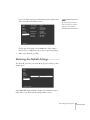
3. Select the Preset option and press Enter. You see the Preset
Selection menu with the current resolution setting displayed.
Fine-tuning the Projector 71