1
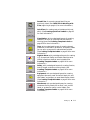
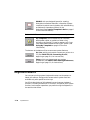
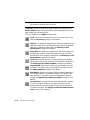
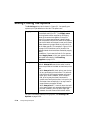
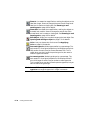
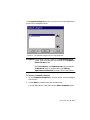
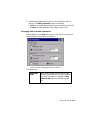
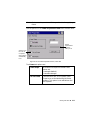
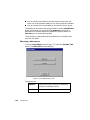
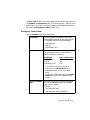
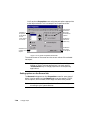
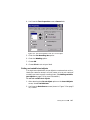
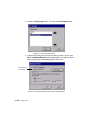
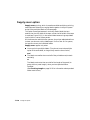
Line width field
For all systems. Use to set and to view a line
width for a frame for a text object. The
default is 0, which indicates that the object is
not framed. A sample of the line width you
select is shown next to the field. See
Figure 7-16 on page 7-34.
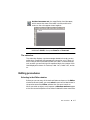
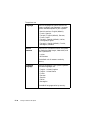
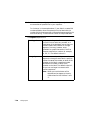
Select color
button
For all systems. Select to change colors for
the object. See Applying Color to
Objects on page 8-5.
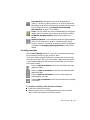
Note: You may not change the colors of a
multi-color graphic object supplied by
the system. You may, however, change
the entire color of a single-color
graphic.
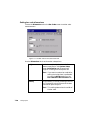
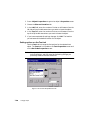
Setting options on the Size and Location tab
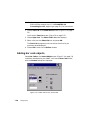
The Size and Location tab appears on Properties screens of all object
types. Use its options to set the height, width, and location of an object.
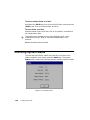
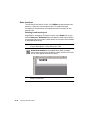
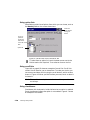
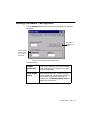
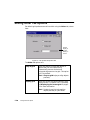
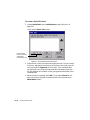
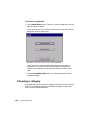
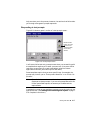
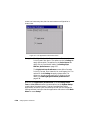
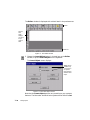
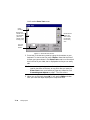
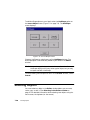
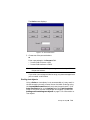
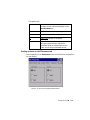
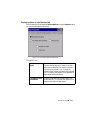
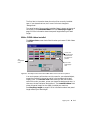
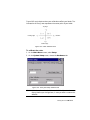
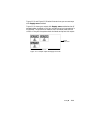
The following is an example of a (HotShape) Circle Properties Size
and Location tab screen:
Figure 7-17. The Circle Properties Size and Location tab.
7-36
¡
Changing Objects