1
book Page 2 Thursday, September 4, 1997 3:47 PM
Installation
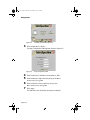
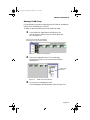
The “Software License Agreement” window appears.
Review the agreement carefully.
7
8
9
Click Yes to accept the agreement and continue with
the installation or click No to exit the installation.
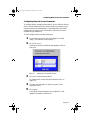
The “IntraSpection Personality Module Read Me” window appears. Review the information carefully.
Click Next to continue.
The decompressed Personality Module files are
installed onto the computer.
The “Decompression of the Source is Now Complete”
dialog box appears.
Click OK to continue with the installation.
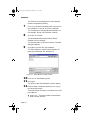
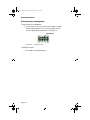
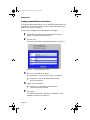
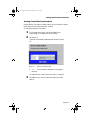
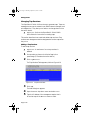
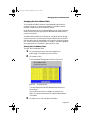
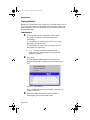
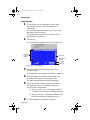
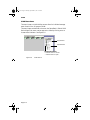
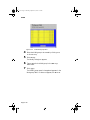
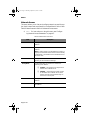
The “Select Module to Install” window appears, displaying the LS1000.ipm file See Figure 2-1.
Figure 2-1
Select Module to Install window
10 Click once on the LS1000.ipm file.
11 Click Open.
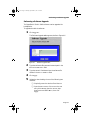
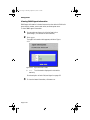
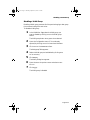
The “Enter Product Serial Number” window appears.
12 Enter the serial number that came with your copy of
the Personality Module.
The serial number is located on the inside cover of this
User’s Manual.
▲ Important: The serial number is case-sensitive;
enter it exactly as shown.
Page 2-2