1
Security
3.
4.
5.
6.
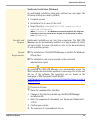
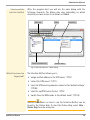
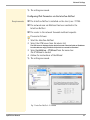
Click Requested certificate.
Click Browse.
Specify the CA certificate.
Click Install.
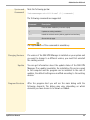
ª The CA certificate will be saved in the UTN server.
Saving the Root Certificate in the UTN Server
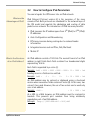
The UTN server offers a number of authentication methods to verify
its identity in a network. If you use the authentication method
'EAP-TLS', you must install the root certificate of the authentication
server (RADIUS) on the UTN server; see: Ö98.
If a root certificate has already been installed on the UTN server, it
will be overwritten.
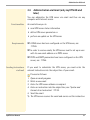
Requirements
; The certificate must be in base64 format.
1.
2.
3.
4.
5.
6.
ª
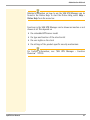
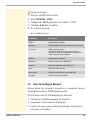
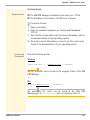
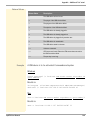
Proceed as follows:
Start the myUTN Control Center.
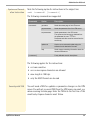
Select SECURITY - Certificates.
Click Root certificate.
Click Browse.
Specify the root certificate.
Click Install.
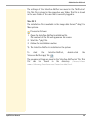
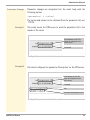
The root certificate is saved in the UTN server.
Saving the PKCS#12 Certificate in the UTN Server
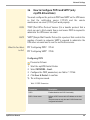
Certificates with the PKCS#12 format are used to save private keys
and their respective certificates and to protect them by means of a
password.
If a PKCS#12 certificate has already been installed on the UTN
server, it will be overwritten.
myUTN User Manual
94