1
Chapter 6
Configuring the Sender
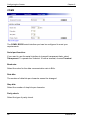
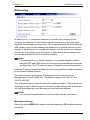
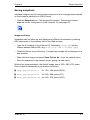
– Make the desired changes.
– Click Set to send the changes to the VideoJet 10 and save them there.
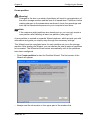
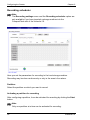
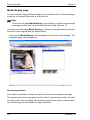
Deleting partitions
A partition can be deleted at any time.
Warning!
Deleting a partition causes the entire storage medium to be reorganized
and all sequences stored on it to be lost. Therefore, before deleting
partitions, check the recordings and back up the important sequences to
your computer's hard drive.
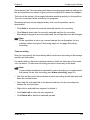
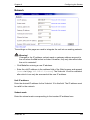
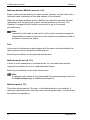
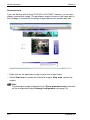
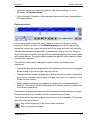
– Click a partition in the list to select it.
– Click Delete partition to delete the selected partition.
VideoJet 10
51