1
Chapter 7
Configuring the Receiver
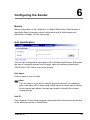
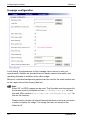
] Connecting! Try to establish connection
] Connection successfully established with information on the data rate
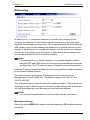
Current transmission rate:
This text message box informs about the current transmission rate from the local
WLAN adapter to the remote device.
Note
WLANs do not guarantee a specific data rate, as it depends on the intensity
of the destination field. The de facto data rate is conditioned by the weakest
link within the WLAN.
Link quality:
The value indicates the quality of the current WLAN connection. A value of 100%
stands for best link quality to the next Access Point or remote device. A value less
than 15% indicates very poor quality at a critical limit.
Version information
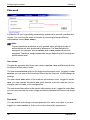
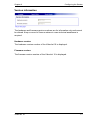
The hardware and firmware version numbers are for information only and cannot
be altered. Keep a record of these numbers in case technical assistance is
required.
Hardware version:
The hardware version number of the VideoJet 10 is displayed.
Firmware version:
The firmware version number of the VideoJet 10 is displayed.
VideoJet 10
103