1
Chapter 7
Configuring the Receiver
MPEG decoder
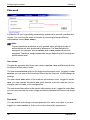
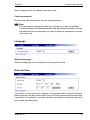
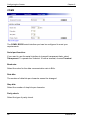
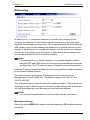
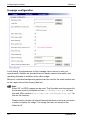
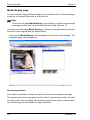
The monitor can be assigned a name to facilitate identification. The video output
standard for the connected monitor can also be selected here.
The VideoJet 10 can monitor the incoming data stream for integrity and can
display a notification text on the monitor when it has detected disturbances in the
transmission.
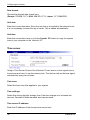
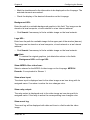
Monitor name:
Enter the desired monitor name here. The monitor name is used for easier
identification of the monitor in large systems, e.g. it is displayed in VIDOS, the
VCS software for managing video surveillance systems.
Enter a unique, unambiguous name.
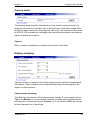
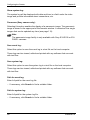
Video output standard:
Select the video standard for the monitor output.
Warning!
Be sure to choose the correct video standard to avoid damaging the
monitor.
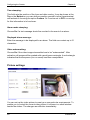
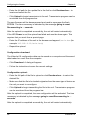
Display transmission disturbance:
Choose On to display a text on the monitor in case of transmission disturbances.
VideoJet 10
89