1
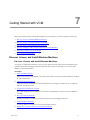
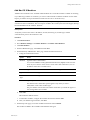
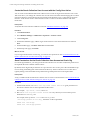
Getting Started with VCM Remote
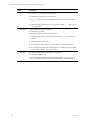
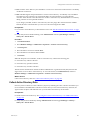
Procedure
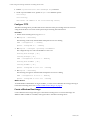
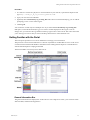
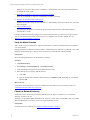
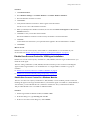
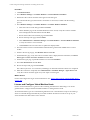
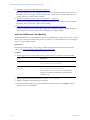
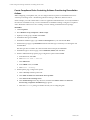
1. Click Administration.
2. Select Settings > General Settings > VCM Remote.
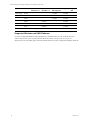
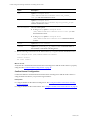
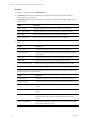
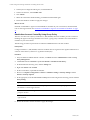
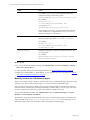
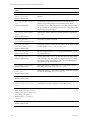
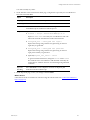
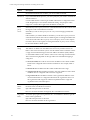
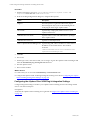
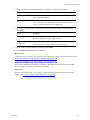
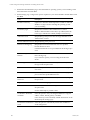
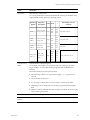
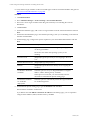
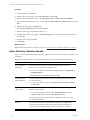
3. On the VCM Remote Settings data grid, select each setting separately and click Edit Settings.
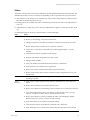
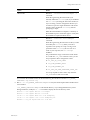
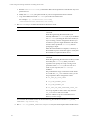
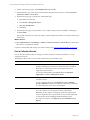
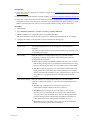
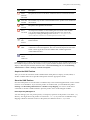
Option
Configuration
Should Remote automatically install an Agent to the
client (if required)?
Click Yes.
Allows VCM to install the Agent when
contacted by the VCM Remote client
the first time.
Should Remote automatically upgrade an Agent to the Click Yes.
client (if required)?
Allows VCM to upgrade the Agent
when contacted by the VCM Remote
client.
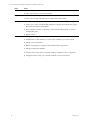
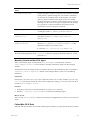
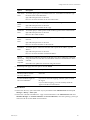
Will IP Address of calling client be added to local host
file?
Click Yes.
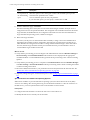
Minutes to retain host File Entry
Type 30 or greater to specify 30
minutes or longer.
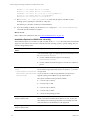
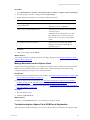
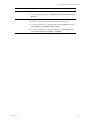
Adds the IP address of the VCM
Remote client to the host file to ensure
that the remote client name is resolved
and updated so that communication
can begin.
Retains the IP address of the VCM
Remote client in the host file for the set
time to ensure that the remote client
name is quickly resolved and updated
during that time.
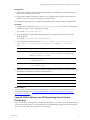
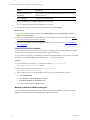
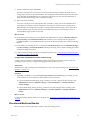
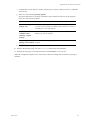
4. Configure the setting and click Next.
5. On the Important page, review the summary and click Finish.
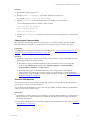
What to do next
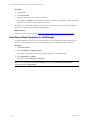
n
Repeat precedure for the other settings.
n
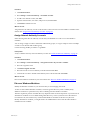
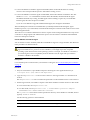
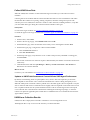
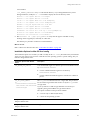
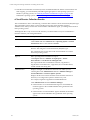
Install the VCM Remote client. See "Install the VCM Remote Client" on page 171.
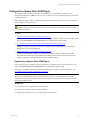
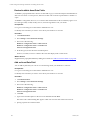
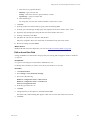
Install the VCM Remote Client
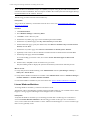
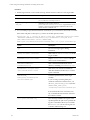
You install the VCM Remote client on the target Windows machines that are not continuously connected
to the network.
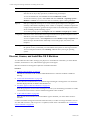
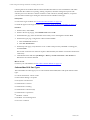
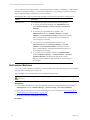
To install the VCM Remote client, use the method easiest to implement depending on your access to the
target machines and the number of remote machines on which you are installing the client.
VMware, Inc.
171