1
Installing and Getting Started with VCM
Tools
16
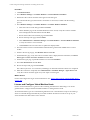
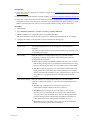
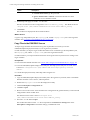
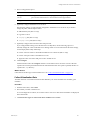
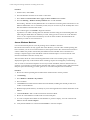
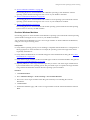
VCM Installation Manager installs several VCM components and tools on the Collector machine during
the installation.
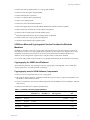
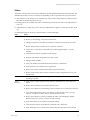
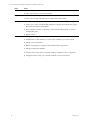
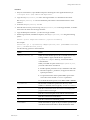
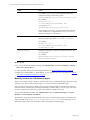
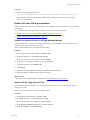
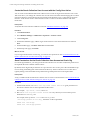
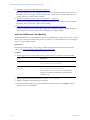
Using VCM Installation Manager, you can install the following tools.
n
"Run the Import/Export Tool" on page 263
Use the Import/Export Tool to back up your VCM database business objects and import them into a
new VCM database or into a recovered VCM database. This tool also supports the migration of any
VCM Management Extension for Asset data that was manually added to VCM.
n
"Run the Content Wizard to Access Additional Compliance Content" on page 263
Use the Content Wizard to import additional VMware content such as VCM Compliance Content
Packages.
n
"Run the Deployment Utility" on page 263
The Deployment Utility for UNIX/Linux and ESX/vSphere copies files to multiple target machines when
you configure UNIX/Linux and ESX/vSphere machines for management in VCM.
n
"Package Studio" on page 264
Use Package Studio to create software packages that can be installed by VCM.
n
"Foundation Checker" on page 264
Use the Foundation Checker tool to verify that a Windows machine designated as a VCM Collector
meets all of the prerequisites necessary to install VCM.
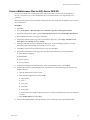
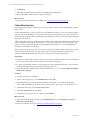
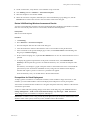
Install the VCM Tools Only
You can install the VCM tools on a non-Collector Windows machine.
If you plan to install VCM on the non-Collector Windows machine later, you must uninstall the tools and
then install VCM.
Prerequisites
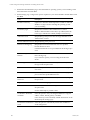
Perform the installation requirements for each tool in the Advanced Installation selection. For example,
you can install Import/Export (I/E) and Content Wizard only on a machine that is running VCM.
VMware, Inc.
261